This post is protected. To view it, enter the password below!
New Release: Nebula 2.1 & Nebula Creator
1. Nebula Creator
What it’s for
With the Nebula Creator, everyone can finally use Nebula for free – regardless of whether you’re already an Origins user or not.
The Creator is a free desktop software that prepares point cloud projects for online visualization in Nebula.
How it works
Download the Creator. Convert your point cloud data and add panos if you wish. Then simply follow the usual Nebula workflow. Done!
2. Nebula 2.1 – Most important new Features
AWS (Amazon Web Services) Compatibility
What it’s for
As promised, we are continuously expanding the number of cloud services that can be connected to Nebula. Due to strong demand, this update introduces support for AWS.
How it works
In the video, we show step by step how to connect your AWS account to Nebula – even without extensive IT knowledge.
The short version? Just follow the instructions laid out in Nebula.
New Download Manager


What it’s for
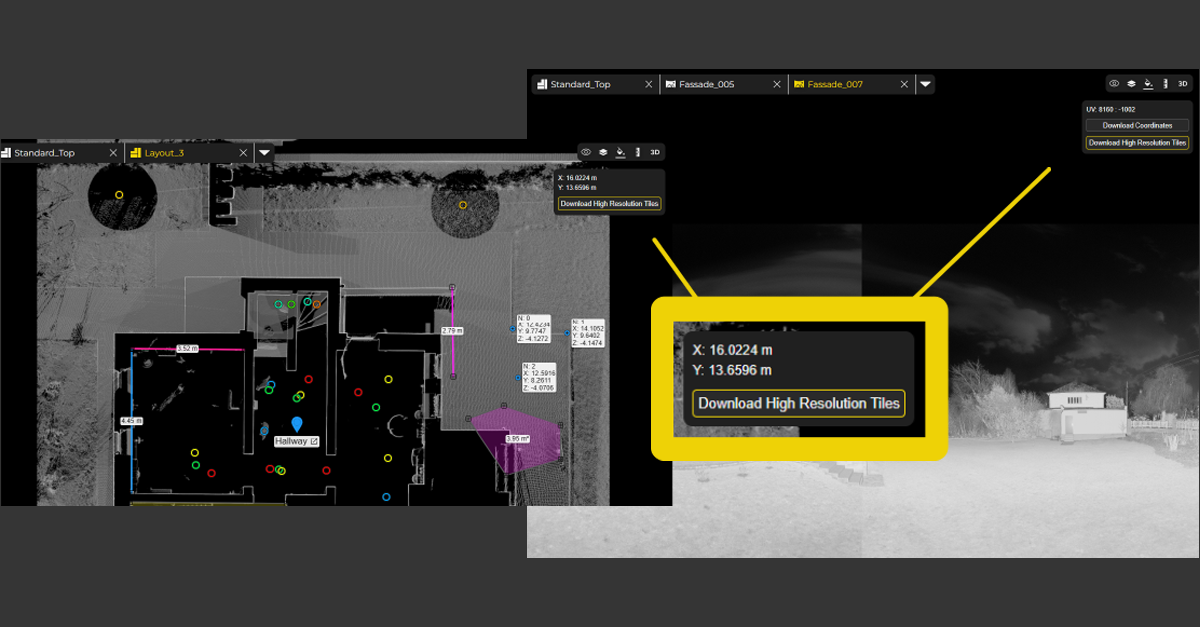
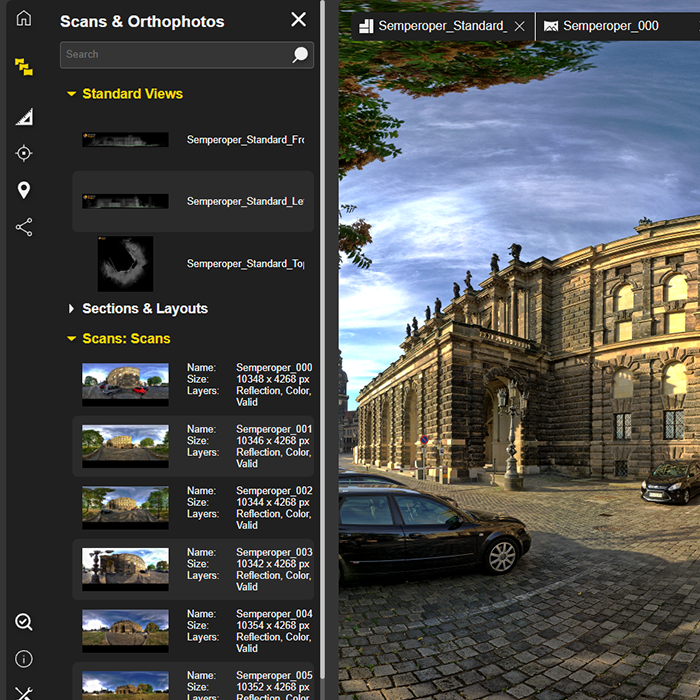
Our new Download Manager allows you to download orthophotos and 3D points directly in the browser – a long-awaited feature. This allows you not only to visualize results, but also to easily share them.
How it works
Click on the Download Manager icon in the menu at the bottom left. Select the desired orthophotos or 3D points in the new window. Click on “ALL” to select all available files at once. Simply click on Download – done.
Height and Cluster Navigation
What it’s for
To make navigation in Nebula even more intuitive, scan positions can now be filtered and displayed by height or cluster.
How it works
The video includes a detailed explanation.
The short version? Simply filter by height or cluster and show or hide scan positions as needed.
"Display Range" Option in Bubble Views
What it’s for
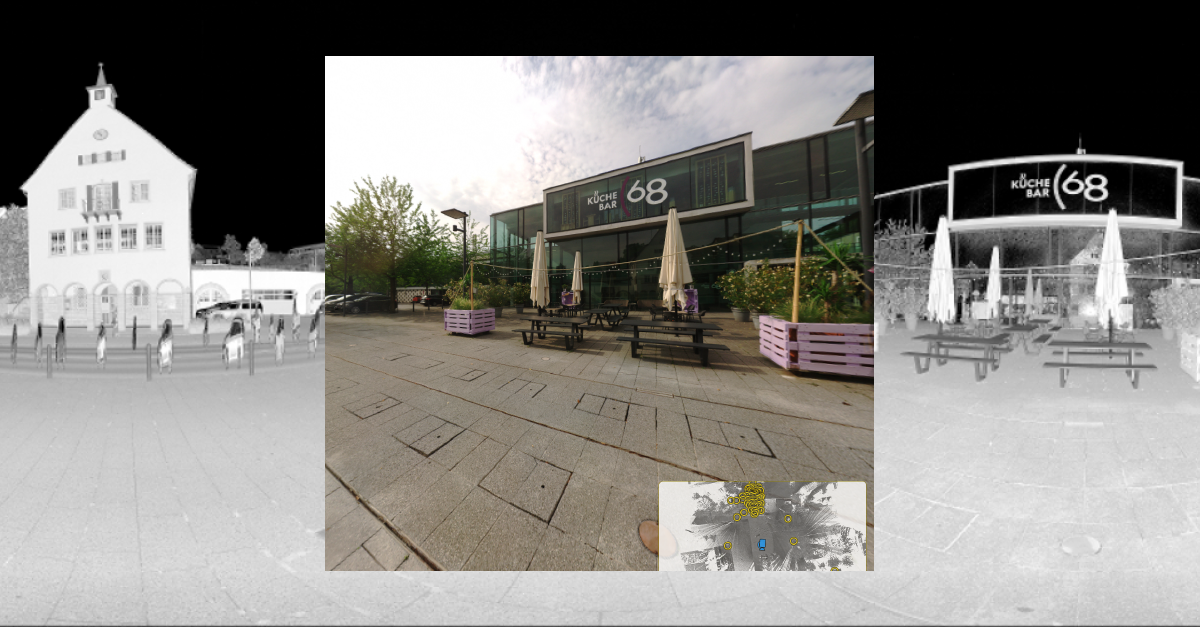
The perfect complement to the new height and cluster navigation! The “Display Range” function allows scan positions to be shown or hidden based on their distance from your current viewpoint in the Bubble View.
How it works
Simply select the distance from which scan positions should be displayed via the menu in the top right corner.
Measurements & POIs in Bubble Views
What it’s for
Another great enhancement for the Bubble View: measurements and POIs can now also be created directly within the Bubble View.
How it works
Download the coordinates, then use Ctrl + mouse click to measure distances and 3D points.
Of course, POIs can also be enriched with additional links and documentation.
3. Nebula 2.1 – More New Features


4. Nebula 2.1 – Refinements and Fixes
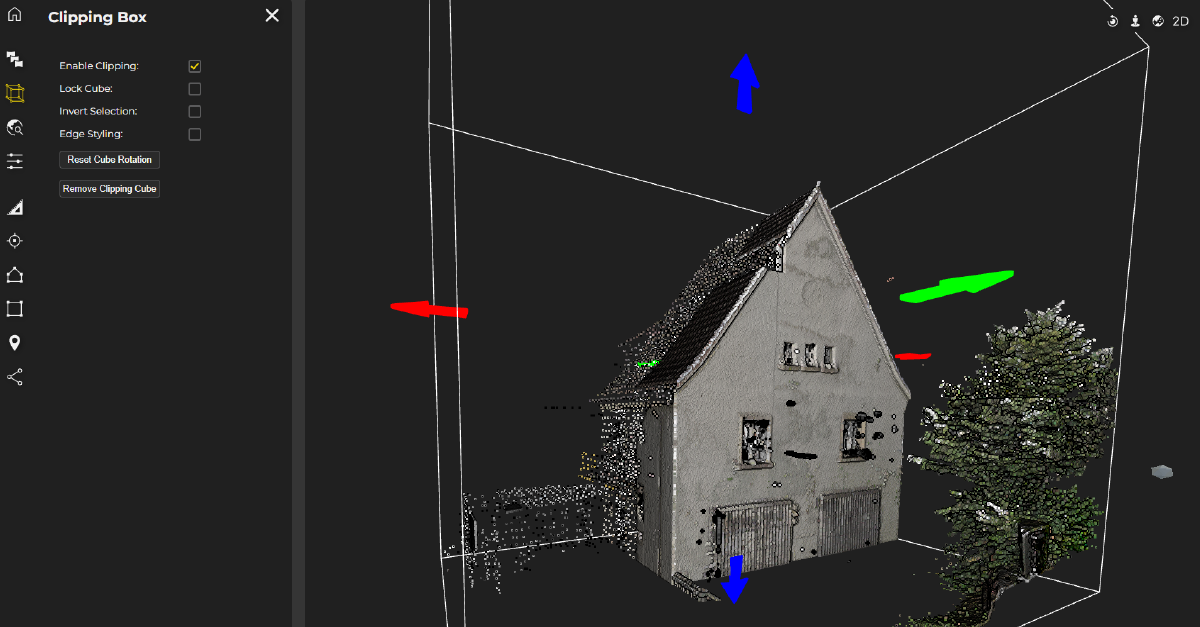
- Improved clipping box handling
- Improved Settings behaviour & appearance
- Improved workflow for purchasing additional slots
- Improved 3D Visualization
- Improved Mini Map for easier navigation
- Extended measurements units (feet)
- Dynamic point-display adjustment for improved performance
- Optimized point cloud loading for faster performance
- Fix: Updates are synchronized in real time across all views
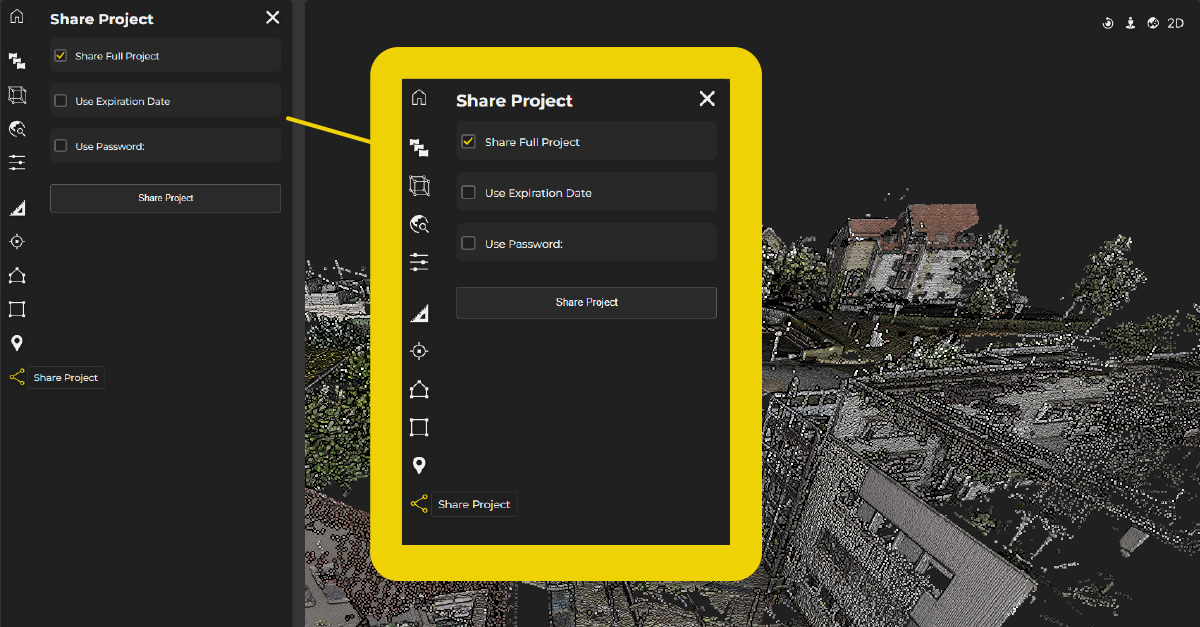
- Fix: Unified sharing links for all users
- Fix: Automatically update public links
- Fix: Microsoft SharePoint Public Links
- Fix: Sidebar issues in Firefox
Book your demo today!
Want to see those shiny new features first-hand?
Simply book a free, no-obligation demo with one of our support engineers below.
Want to keep up with the latest pointCab news?
Then follow us on Social Media or subcribe to our newsletter!
Nebula 2.0 R2
Our cloud solution Nebula for point clouds is getting some new features and updates with the new revision. The most important new features and fixes are summarized here in this article. Let’s get started!
IMPROVEMENTS & FIXES
- Save georeferencing added
- Multiple Settings improvements
- Fix measurements visualisation in panoramas
- Fix loading for bubble views
- Fix Project Integrity Check display
- Fix user roles editing
- Fix load available sheets
- Fix app freeze when creating clipping box
Haven't tried Nebula yet?
Learn more about our Nebula cloud solution for point clouds and register for free today:
Want to keep up with the latest pointCab news?
Then follow us on Social Media or subcribe to our newsletter!
Origins 4.1 – The latest functions
ORIGINS 4.1 – THE LATEST FUNCTIONS
- Freddie
- May 11, 2023
- 11:00
Discover all-new functions in the latest 4.1 Origins Release!
Due to our constant development and the inspiring feedback from our users, PointCab Origins 4.1 comes with many new functionalities and enhancements. Check out the new functions below.
NEW FUNCTIONS
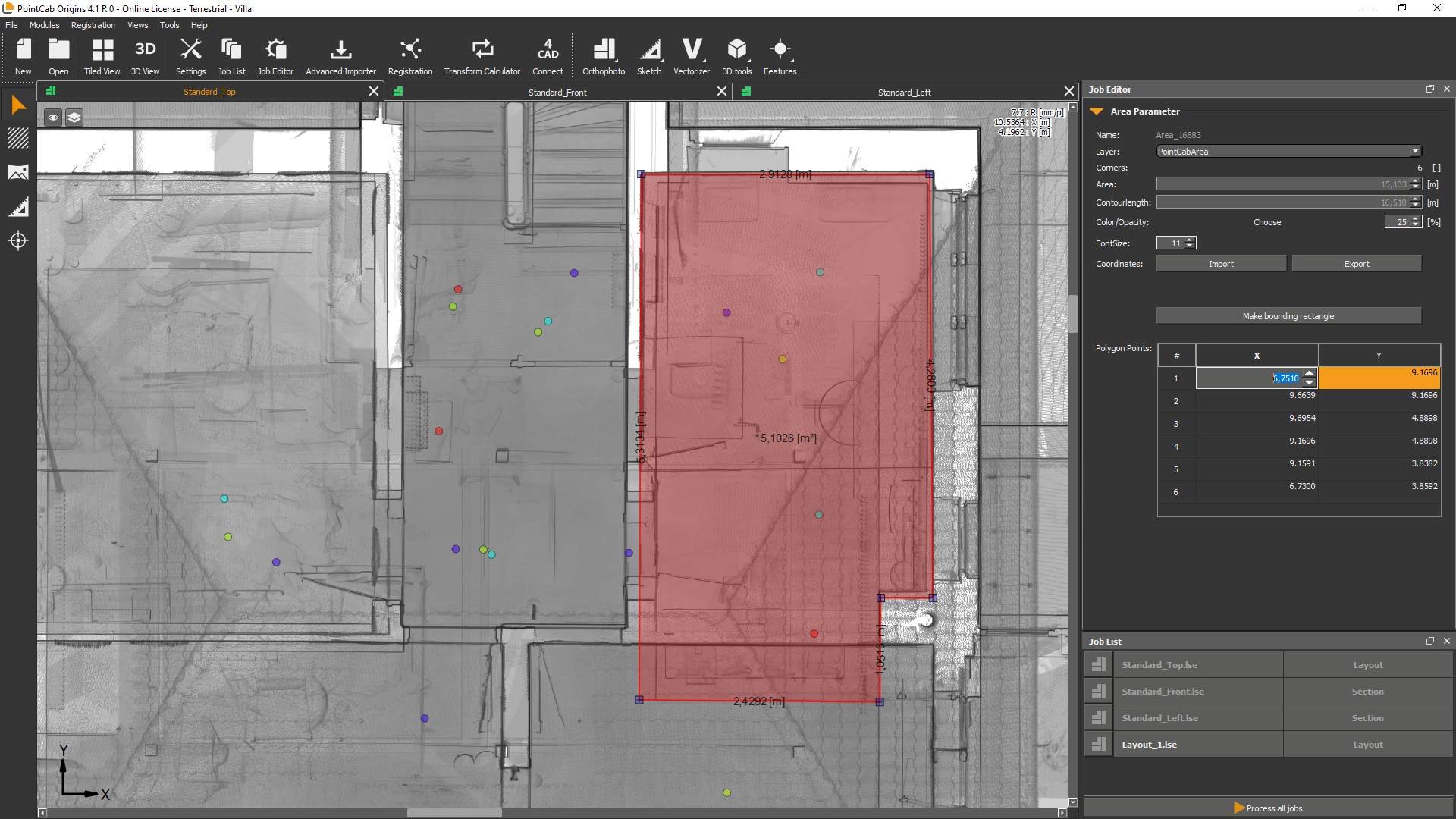
Polygon editor for area-based tools
What it’s for?
View and edit the coordinates of your polygon points in the job editor!
How it’s done:
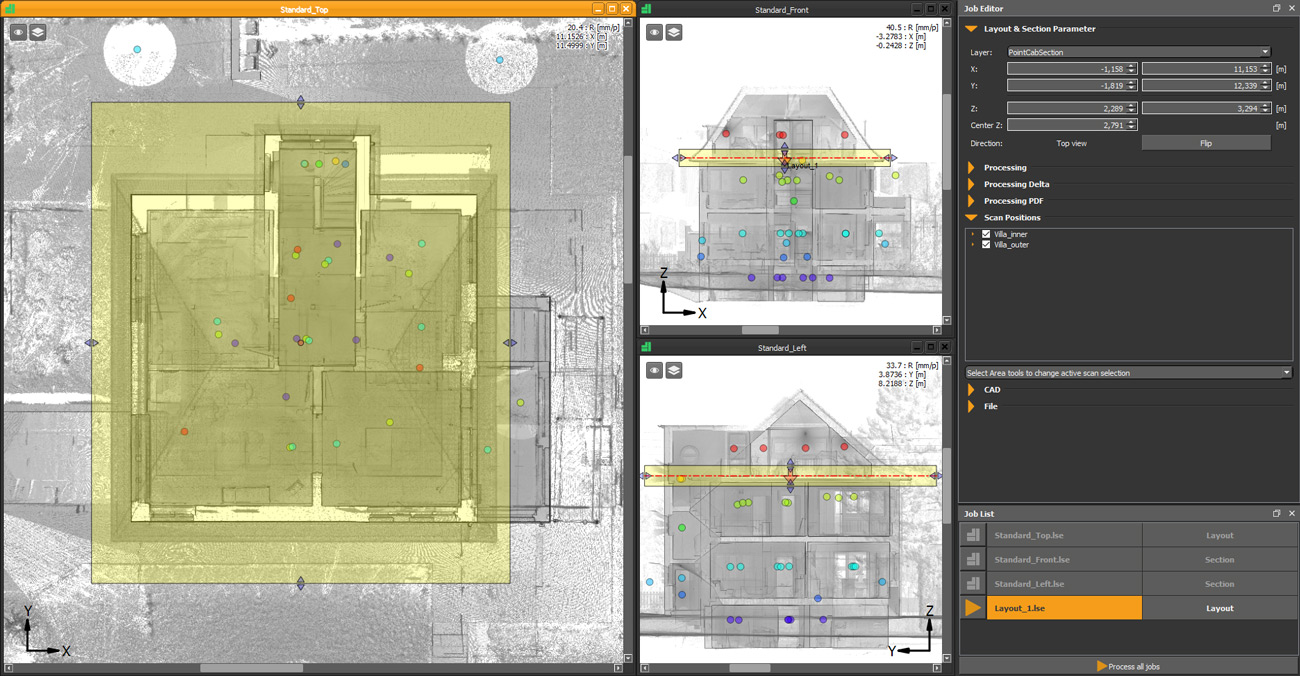
When creating a surface the coordinates of the polygon points appear in the job editor and can be adjusted there. This affects all functions of the area tool and all functions that are related to areas: Merger, point cloud export, volume, and mesh.
Export origin point of sections in .dwg (customer request) 💡
What it’s for?
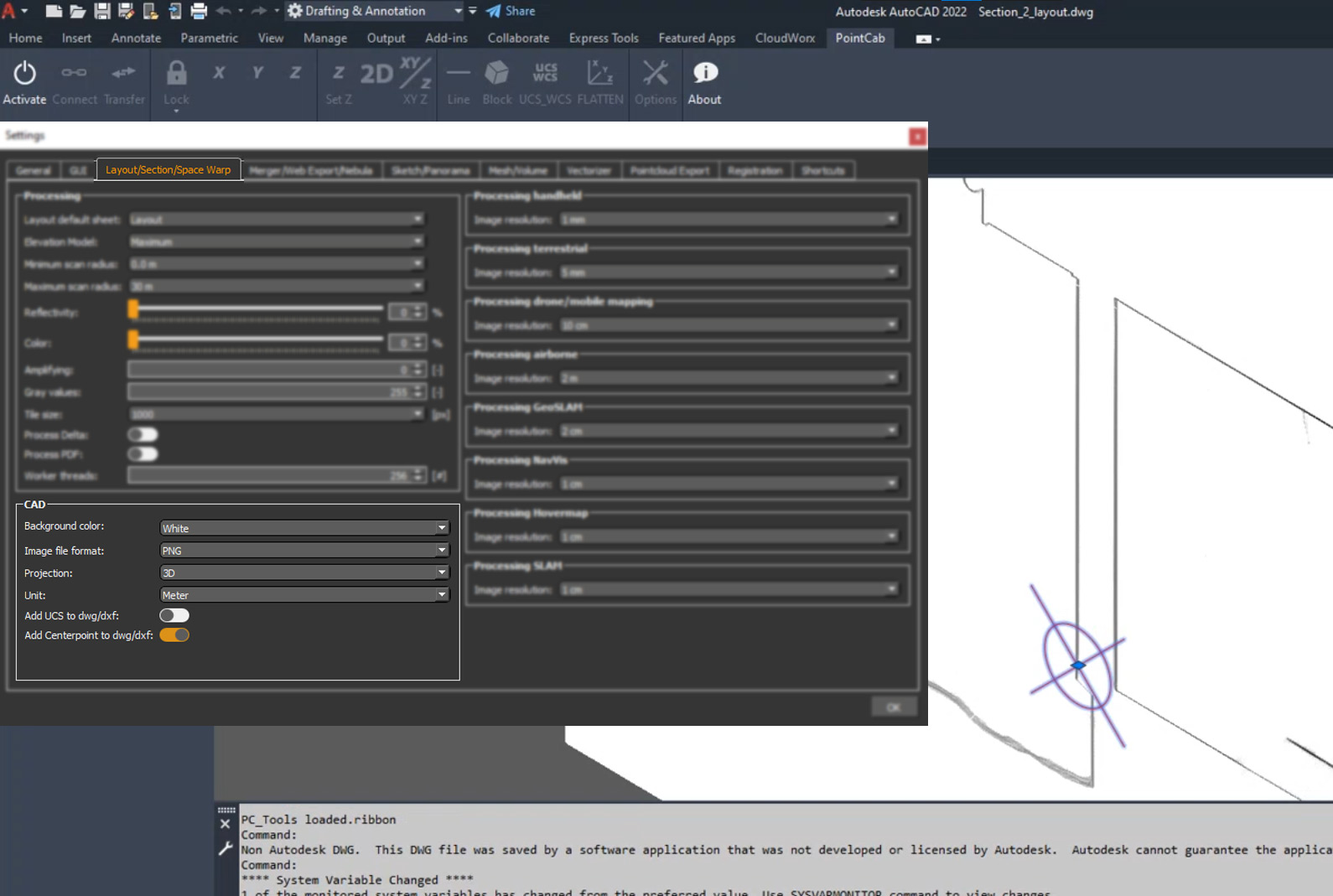
When exporting a section, the center of the section is exported as an additional CAD element called “origin point”. This way the reference point is preserved and you are quickly able to restore it, in case you need it. (A crosshair will be displayed in AutoCAD)
How it’s done:
Go to Layout & Section Tool > Create Section > Settings > Layout/Section/Space Warp > CAD > Activate “Add Centerpoint to dwg/dxf” under “Option”.
Customized 3D Point export to .dwg
What it’s for?
Now you can choose your preferred data format for exporting points to .dwg!
How it’s done:
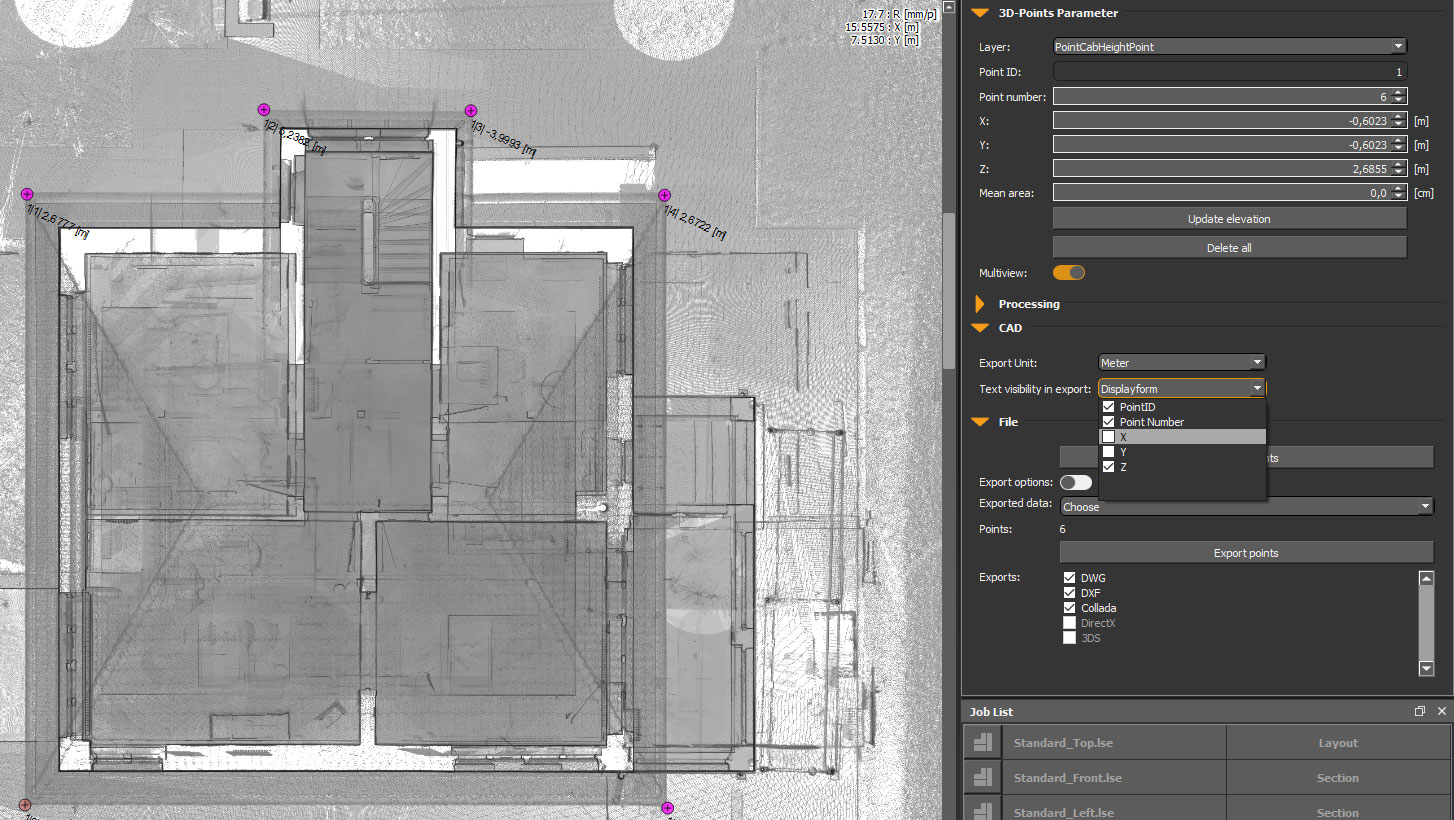
In the Job Editor under “CAD” you can now find the “Text visibility in Export”. Here you can define where PointID, Point Number, and X, Y, Z information shall be exported to. When the 3D points are exported, the corresponding folder opens directly. Therefore right-clicking “show in folder” is no longer necessary. In the .dwg file, the selected information will be displayed next to the point. The same functionality is also available under the “File” tab in the Job Editor.
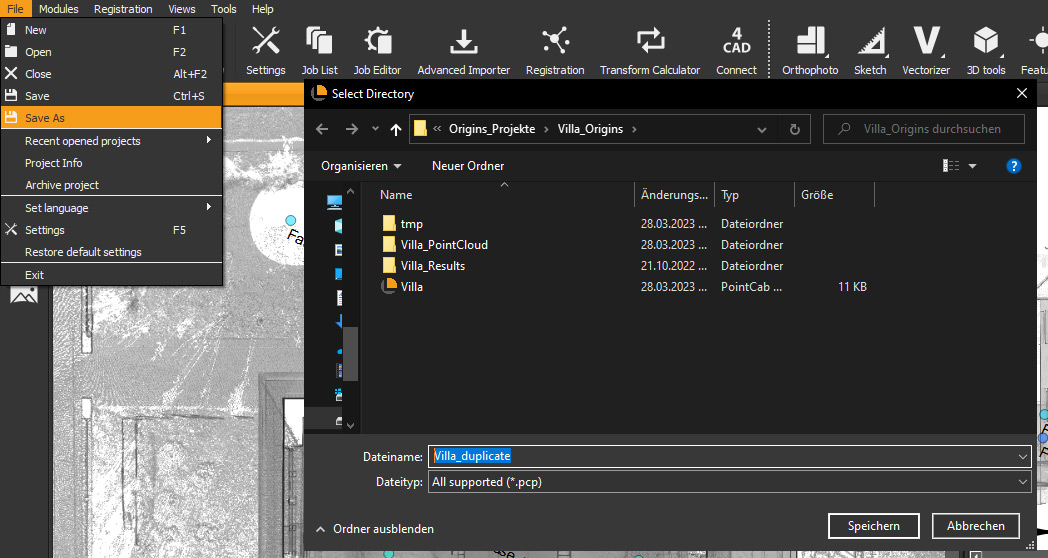
“Save as” Functionality to .pcp (PointCab Project)
What it’s for?
Finally, a new way to duplicate your project! Previously, you could only archive a project and then had to pack and unpack it again… These times are finally over!
How it’s done:
Just go to File > Save As: Origins saves a copy of your current project state in the background. Isn’t that great?
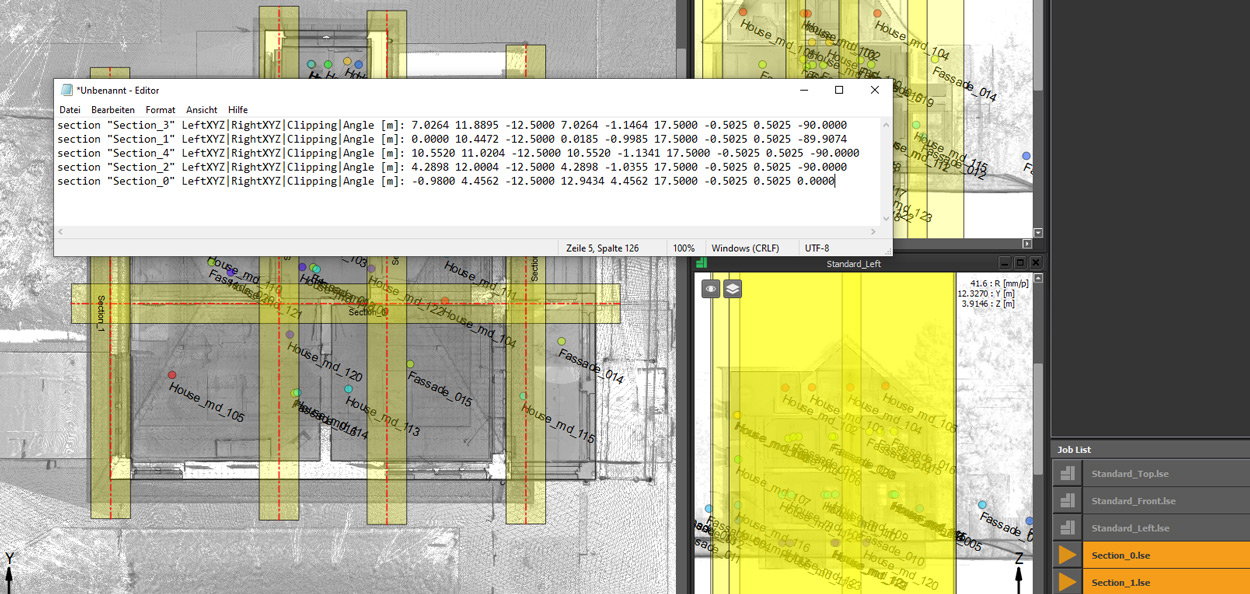
Export Orthophotos position (customer request) 💡
What it’s for?
Export the positions of several layouts with ease!
How it’s done:
Select all your layouts with the selection arrow or Ctrl + A, then copy them with Ctrl + C and simply paste them into your text editor. You will easily get all layouts with name and order Lefthandle | Righthandle | Center, as well as all 3D points.
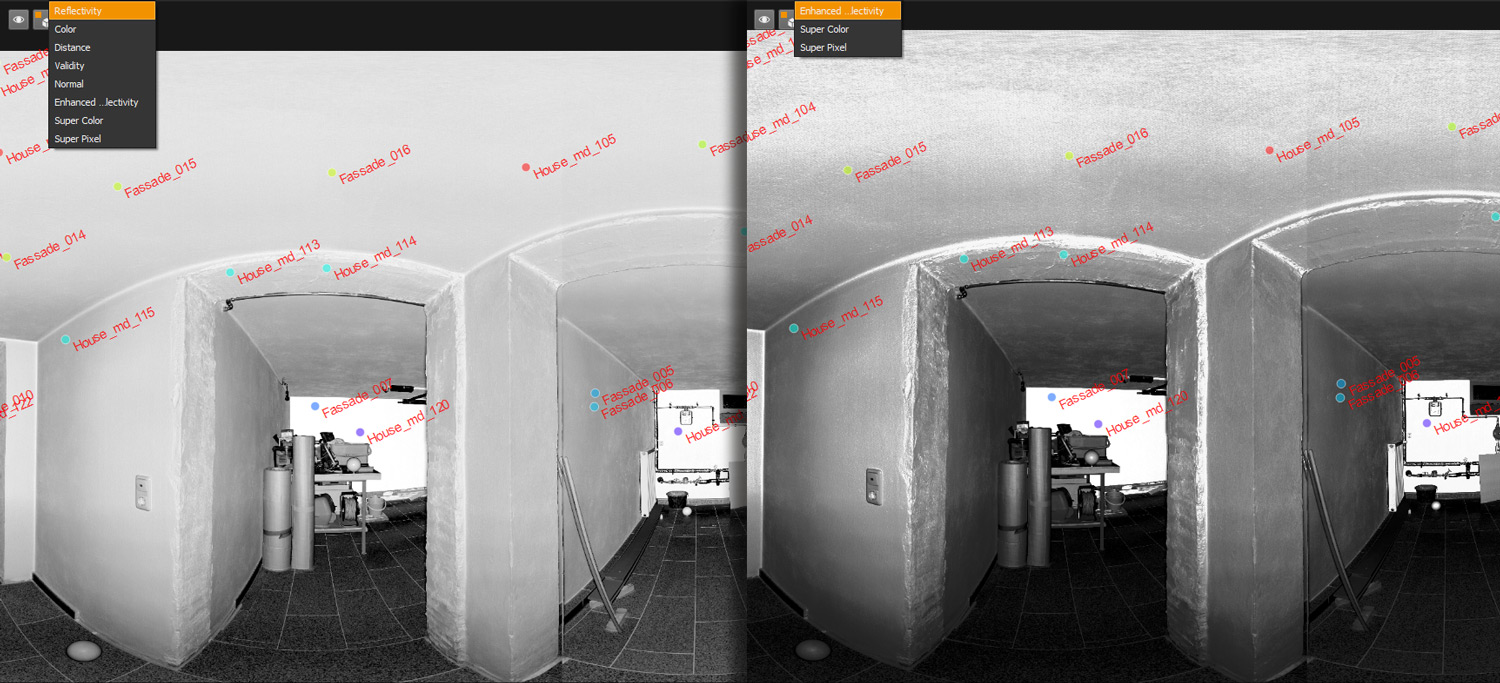
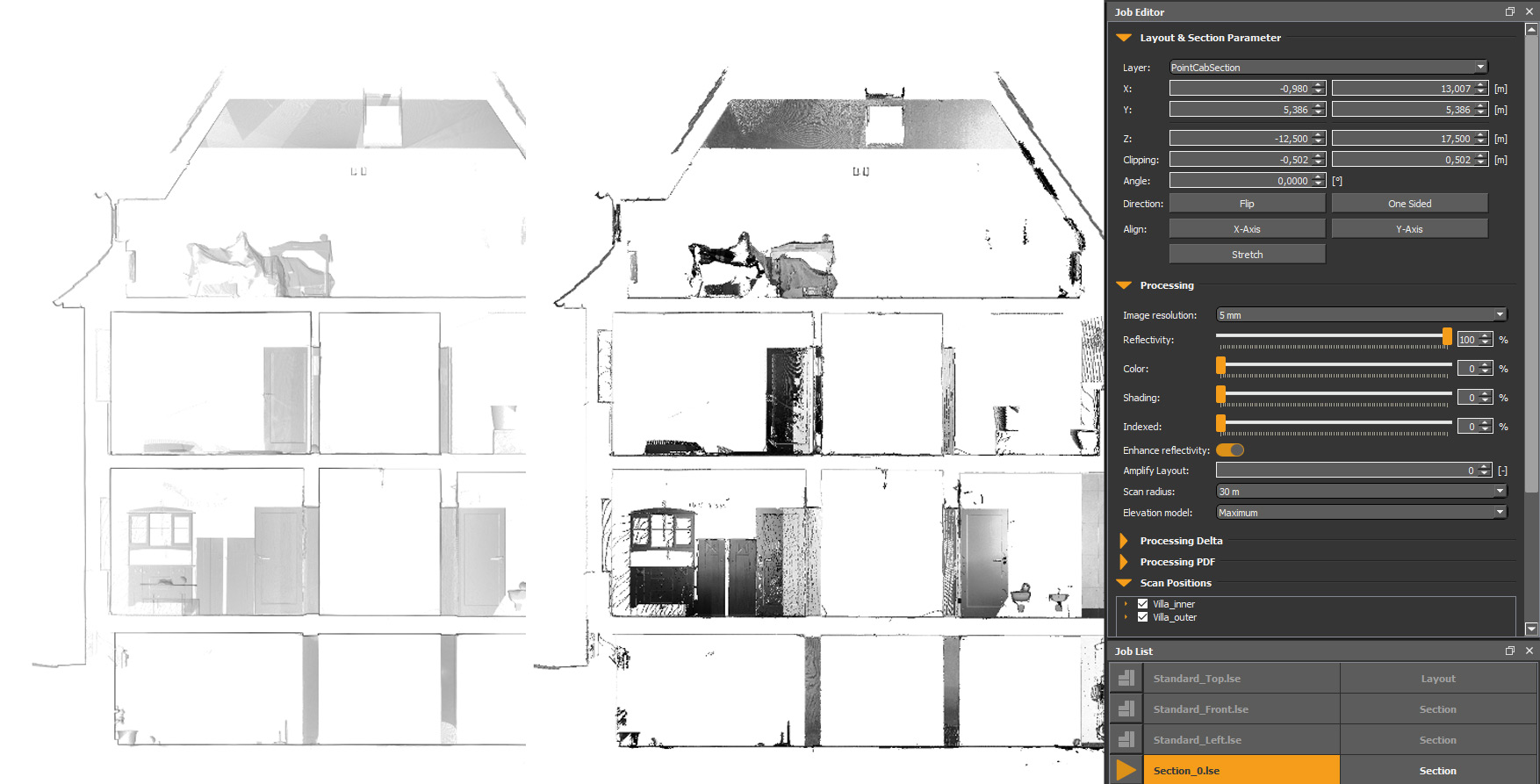
Sections with enhanced reflectivity
What it’s for?
The new option enhances the reflectivity in your panoramas and in sections!
How it’s done:
In the panoramas, there is a new sheet that enhances reflectivity. If the “Enhanced reflectivity” slider is checked, the reflectivity will be displayed with increased contrast. To use it for sections just create a new one and set the reflectivity to 100% in the Job Editor under “Processing” and activate the slider for “Enhanced Reflectivity”. Now calculate your job and the sheet with “Enhanced Reflectivity” is available. Lookin’ good, isn’t it?
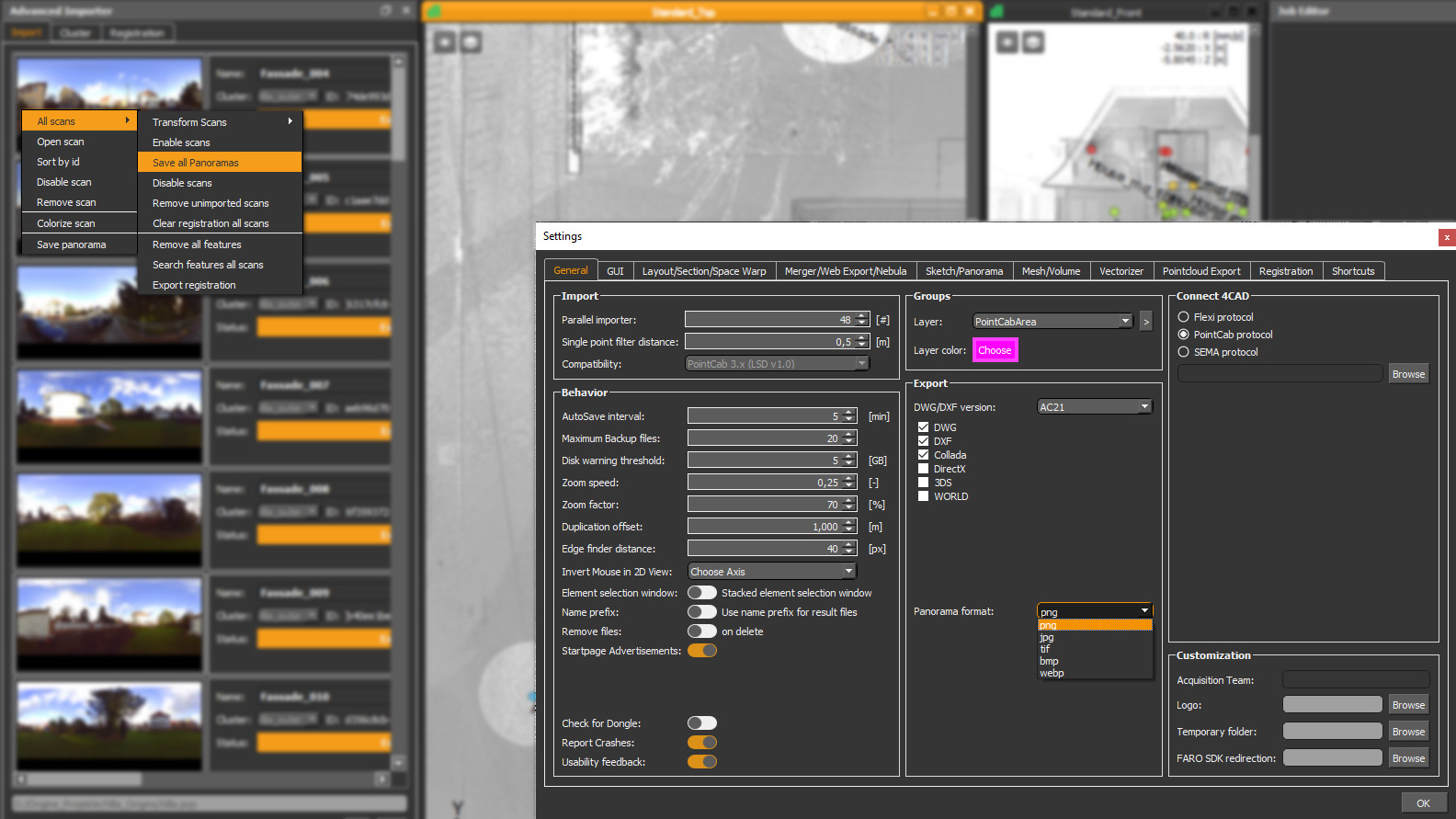
Export all panoramas in different file formats
What it’s for?
This new option helps you to convert your panoramas into your desired image file format. You can choose between png, jpg, tif, bmp, webp
How it’s done:
Before exporting the desired panoramas, choose your preferred format for exporting in the settings under General > Export > “Panorama format”.
Once that’s done, go to the Advanced Importer > “Import” tab: do a right click: select All scans > “Save all Panoramas” and export all panoramas in your preferred file formats!
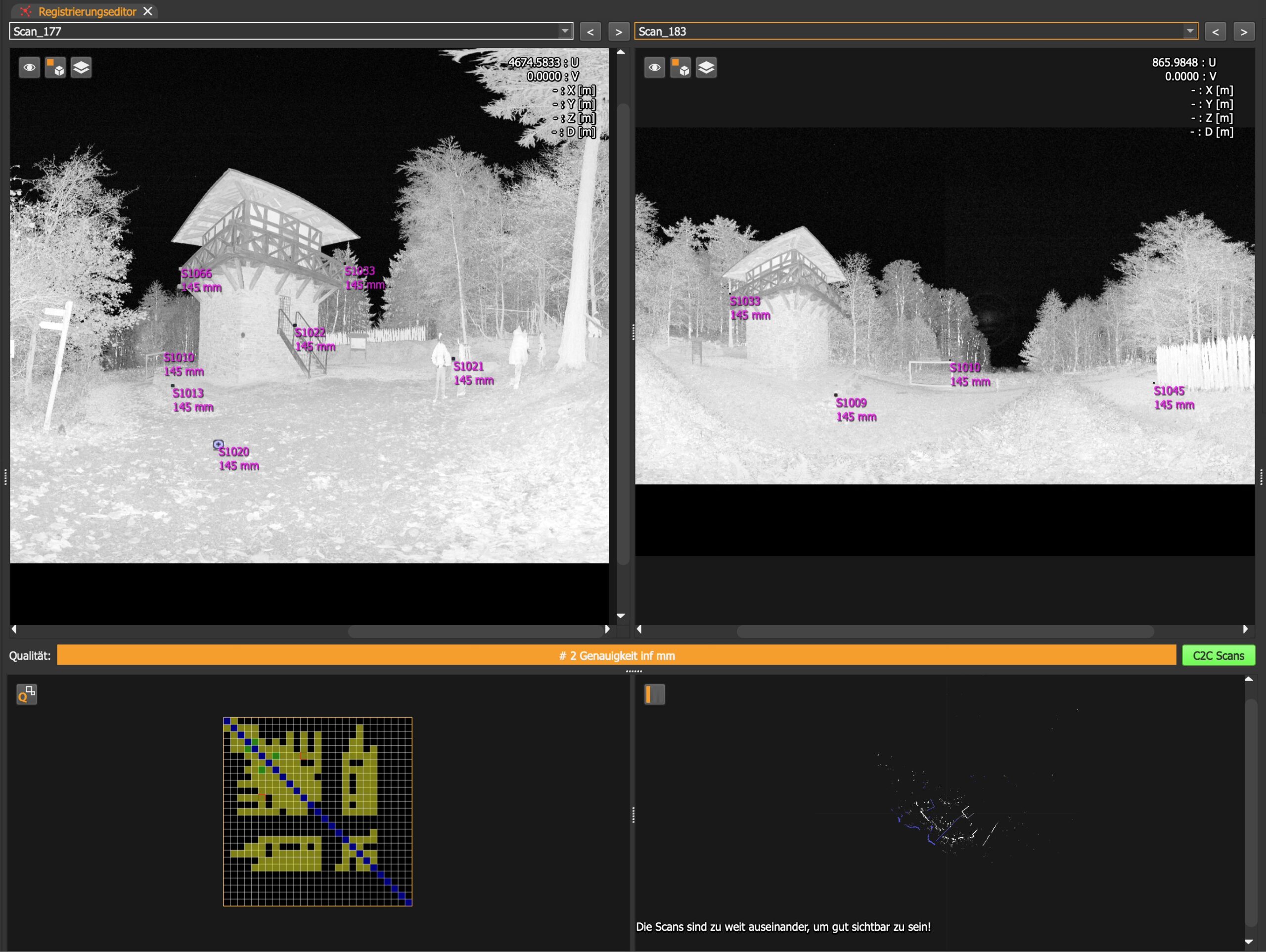
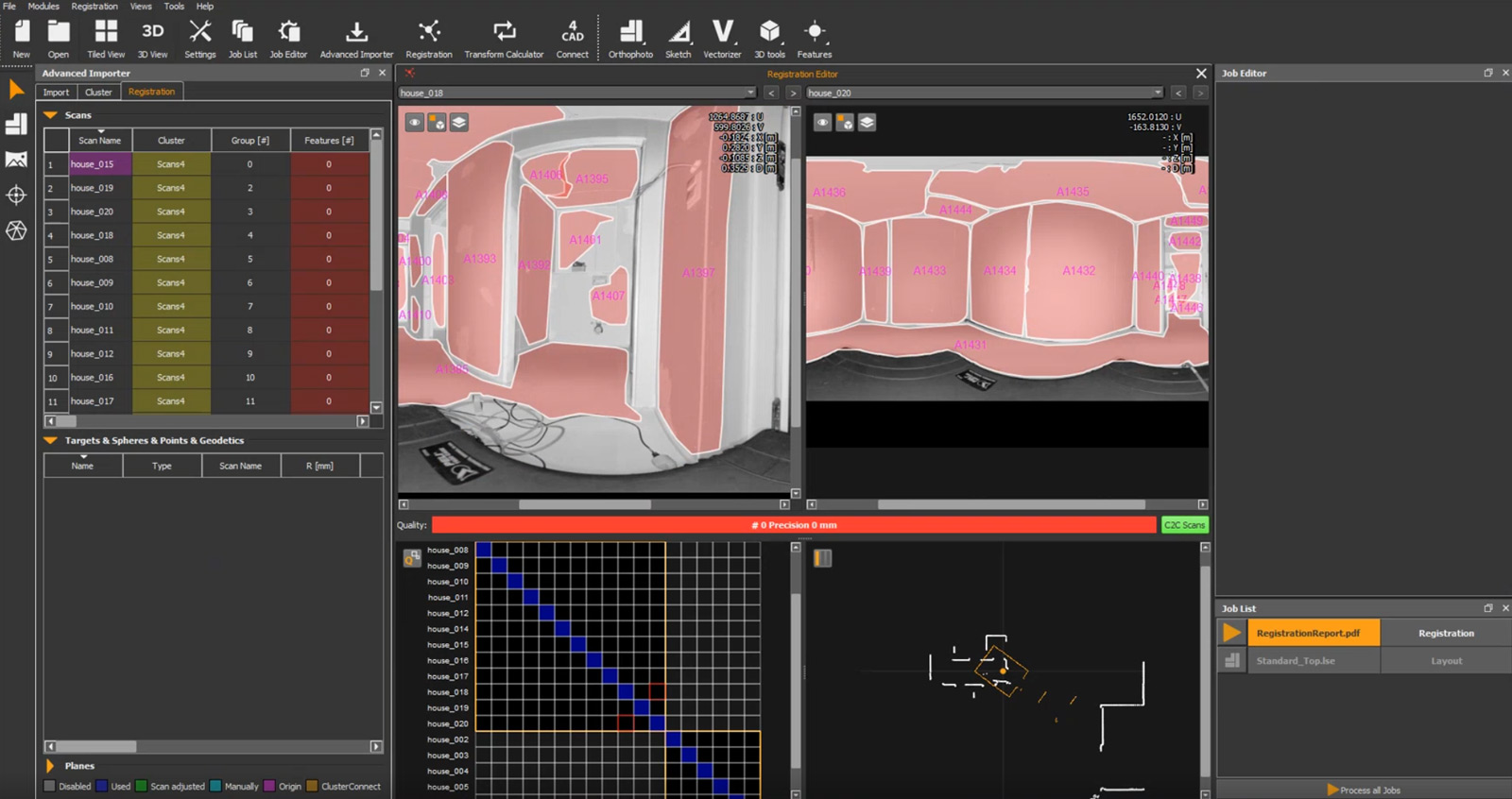
⚠️Cloud-to-Cloud (C2C) Test / Beta⚠️
What’s it about?
We intend to offer a full-fledged cloud-to-cloud (C2C) registration in Origins. For now, this is our first attempt to provide C2C in Origins 4.1.
Here’s what to keep in mind:
We explicitly don’t recommend using this C2C in its current form to register actual projects!
But we would like to encourage you to test our C2C beta and we’re excited about your experiences and feedback about it.
GENERAL IMPROVEMENTS
Shortcut Manager improvements
What it’s for?
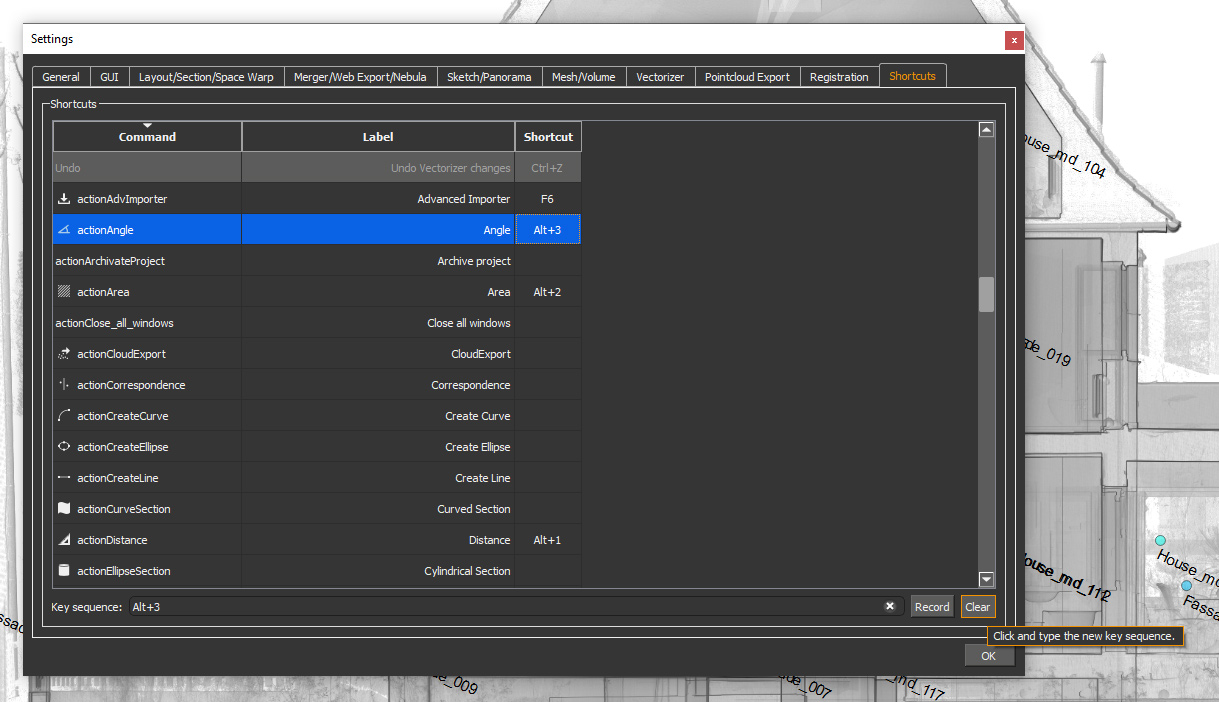
We have added a Clear-Button in the Shortcut Manager. Maybe just a little improvement for your user experience but we think you deserve it.
How it’s done:
Settings > Shortcuts: New “Clear Button” to delete user-defined shortcuts.
The “Record Button” can then be used to record as usual.
Customizable zoom speed
What it’s for?
Adjust the zoom speed in the 3D viewer the way you prefer it.
How it’s done:
Open the 3D Viewer and click on the Gear Icon in the upper left corner. Then you’ll be able to adjust your zoom speed in the “3D View Parameter” in the Job Editor. This setting can also be found under Settings > GUI > 3D Control > Zoom Speed
Advanced project information
What it’s for?
This handy feature keeps you on track with your project information!
How it’s done:
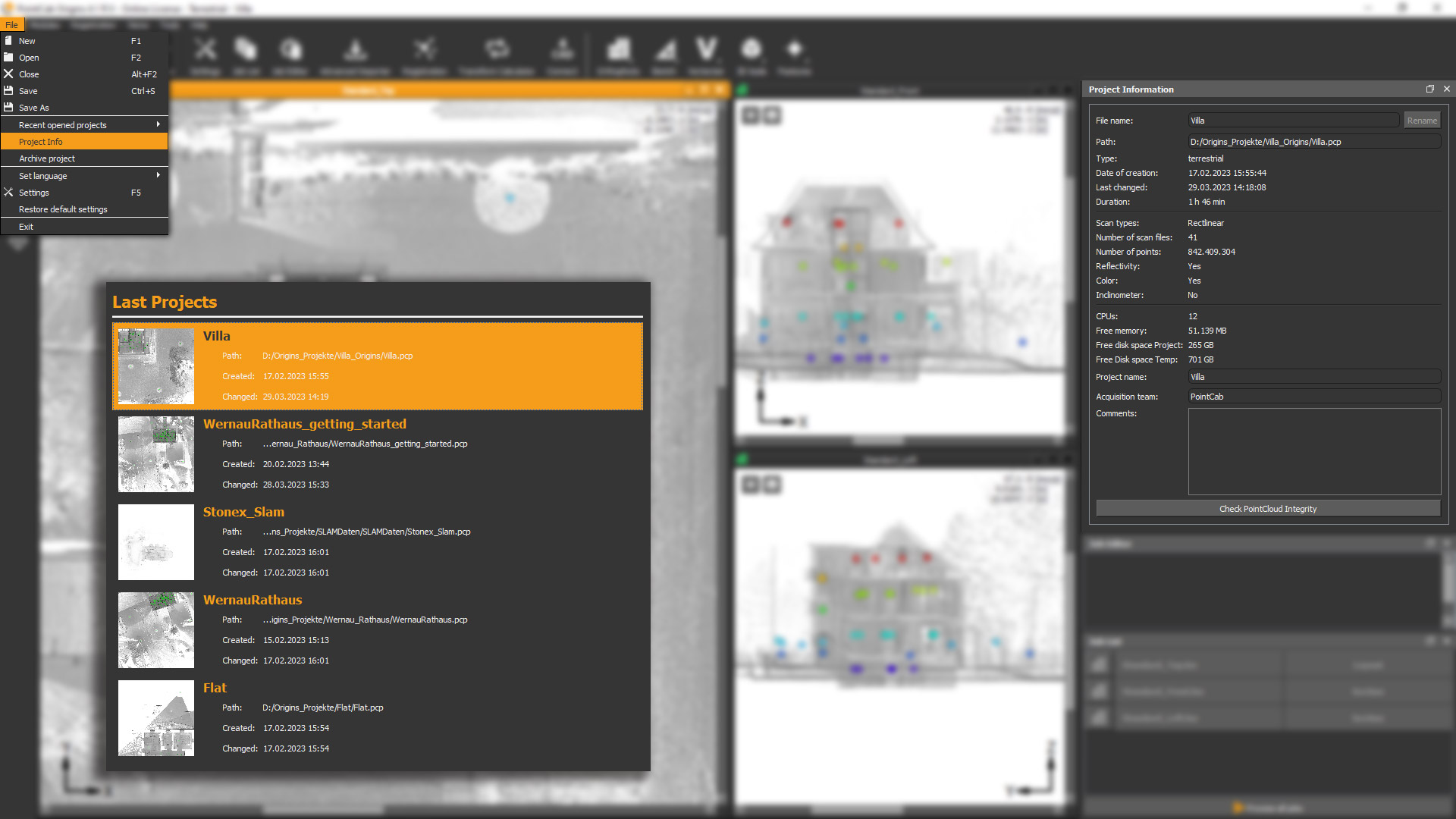
You might have noticed it already when opening Origins: in the Last Projects overview, more project details are now displayed!
Curious about more information? Just open your project and go to “File” > “Project Info”. Now you can view your “Project Information” above the Job Editor. Have a look at e.g. the creation date, date of last changes, total processing time, and much more!
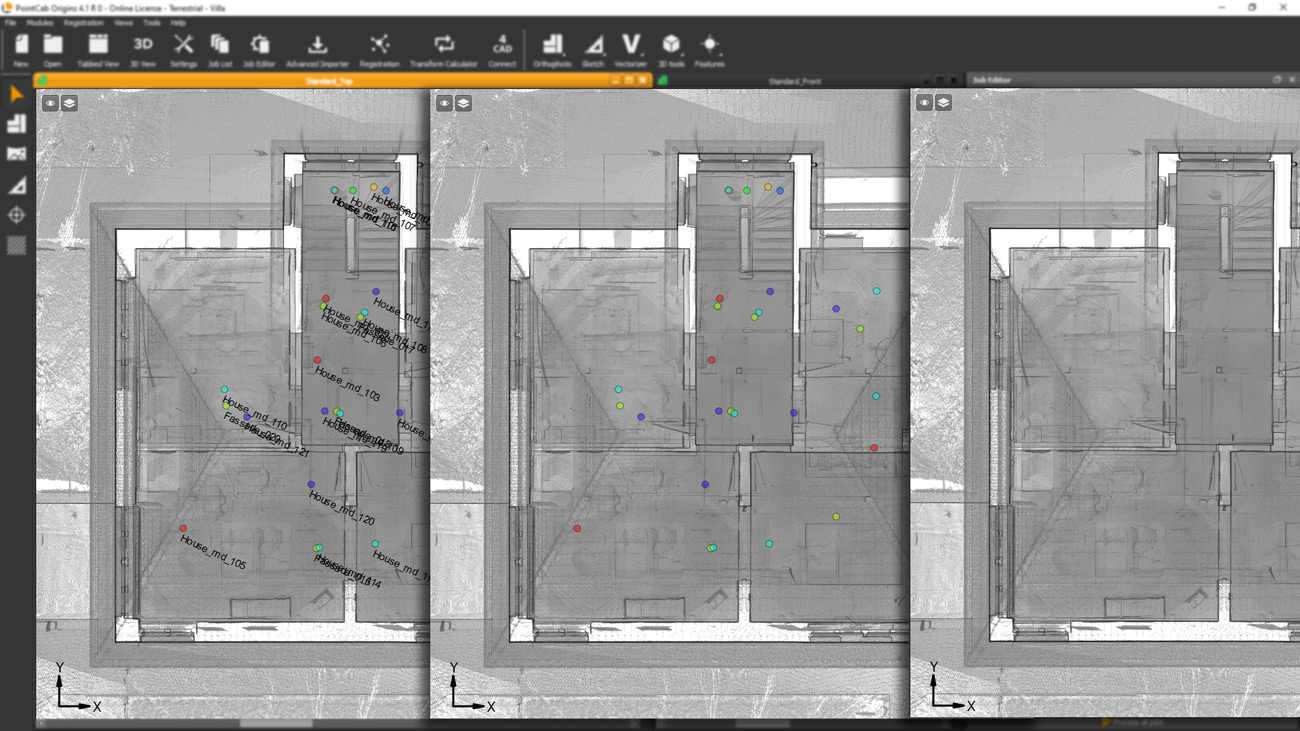
Layout center line visible in all standard views
Save into FARO project file (customer request) 💡
EXTENDED DATA FORMATS – IMPORT / EXPORT
FARO SDK/API update – Support of FARO Premium Scans
Fantastic news for all FARO Focus Premium users!
As of now, the scans can be imported from the Premium Scanner.
Import e57 files with panorama (for Mobile Mapping scan data)
How it’s done with .e57 files:
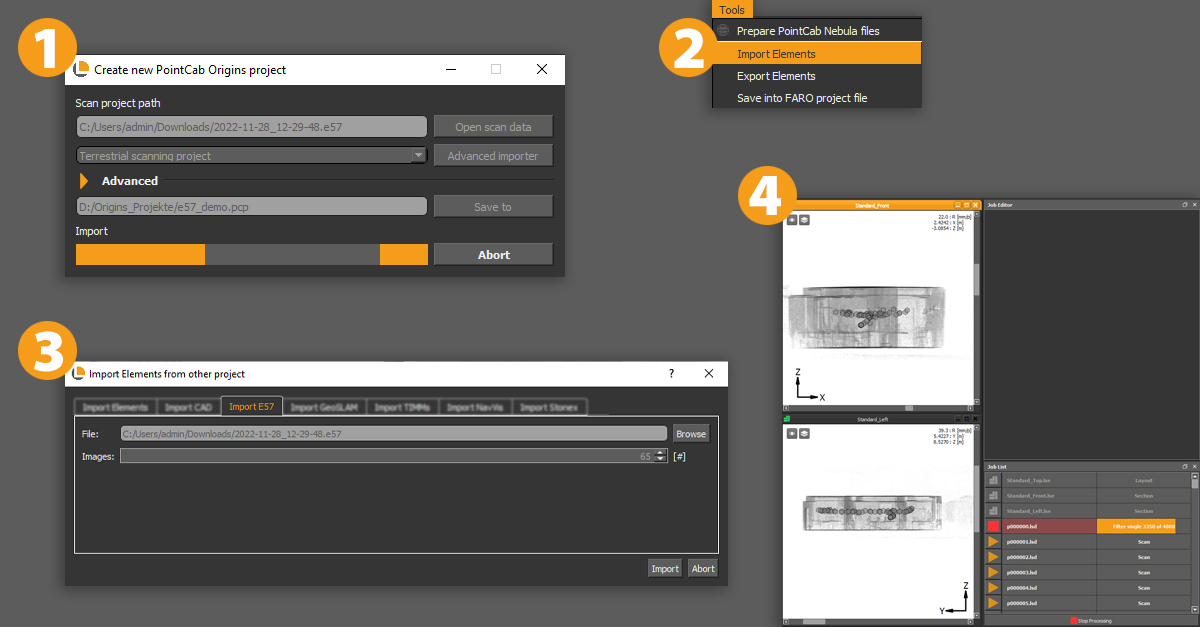
- Create a new project and open your scan data. Select the .e57-file and save it to start importing your e57-file as a point cloud.
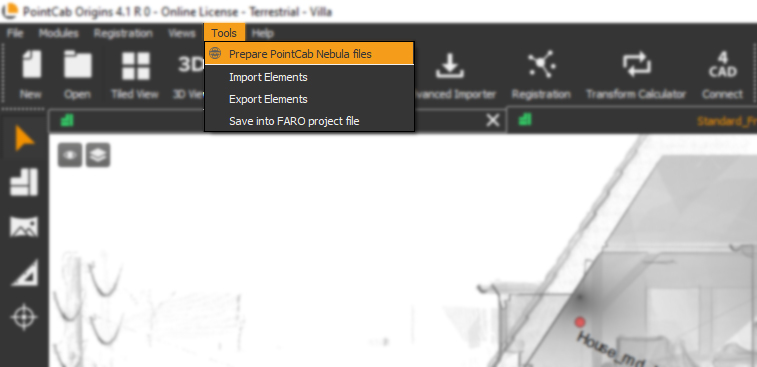
- Proceed to import the panoramas under “Tools” and click on “Import elements”
- Navigate to the “Import E57” tab and select the same file. There you can see how many panoramas are included. Click on import.
- Last step: simply calculate the panoramas in the job list.
How it’s done with Stonex files:
- Create a new project and open your Stonex data. Select the .las-file and save it to start importing your .las-file as a point cloud.
- After your Stonex point cloud has been successfully imported into Origins, go to “File” > “Import Elements”.
- Navigate to the “Import Stonex” tab and navigate to the location of your .txt file and press “Import”. Make sure that the option “Copy images to project” is activated.
- The panorama views appear as circles in your project and as jobs in the job list that need to be calculated. After Origins has processed the images, you can open them as usual by selecting the Panorama tool and clicking on the scan point in the standard views.
Please note:
The Stonex panoramas are just hemisphere panoramas (180 degrees) and therefore the point cloud cannot be back-projected onto them, which means that no measurements can be made. They are purely suitable for visualization purposes.
BUG FIXES
- Fix multiple transfer of 3D points through the 4CAD interface
- Fix SLAM Project type import parameters
- Fix import projects which contain symbols or ellipses
- Fix Auto Merger creation for Standard views
- Fix check for duplicates when importing geodetic points
- Fix resetting locked cluster position after repeating the registration
- Fix scan selection using a bounding box
- Fix 3D Points export column order
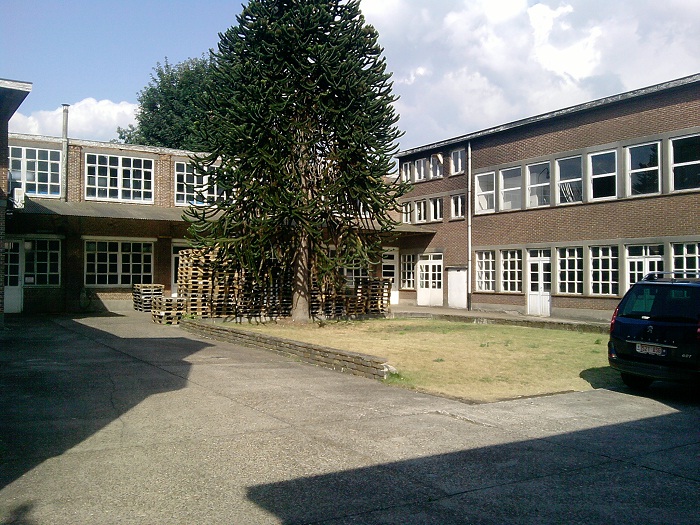
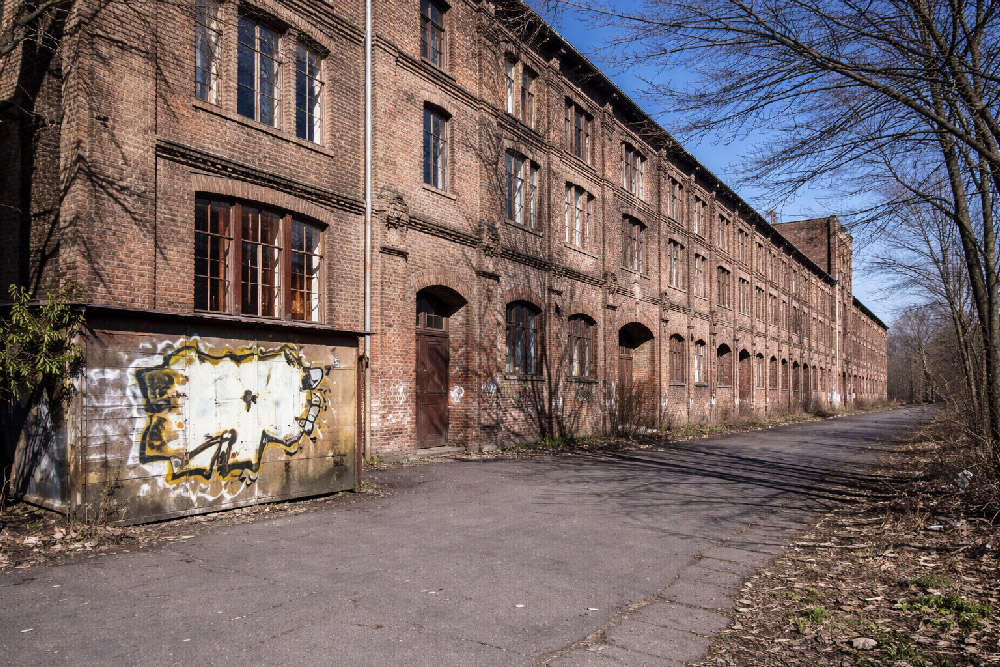
Conversion of a former mustard factory
USER STORY
As-Built Documentation for Conversion of Existing Buildings: Former Mustard Factory
The Challenge: No Existing Floor Plans and Time-Sensitive Planning
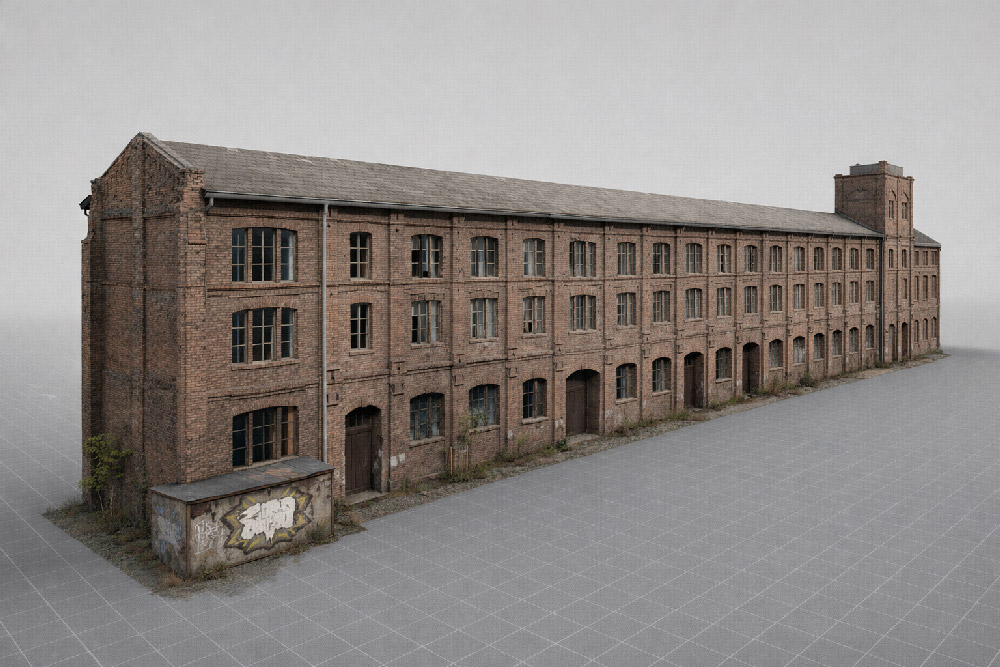
In this project, an old mustard factory was being converted into a residential building. The two-story, U-shaped structure contained former production rooms, storage areas and garages – but no current, reliable as-built plans were available for this complex task. 3D laser scanning provided the precise documentation needed for planning and design.
Converting an industrial building into residential space requires accurate knowledge of existing conditions. Without updated plans, planners and engineers risk costly errors during design and construction. In this case, the goal was to produce detailed floor plans and sections as CAD deliverables for the planning office – efficiently and within a short timeframe.
Capturing the Existing Building: Fast and Complete 3D Laser Scanning
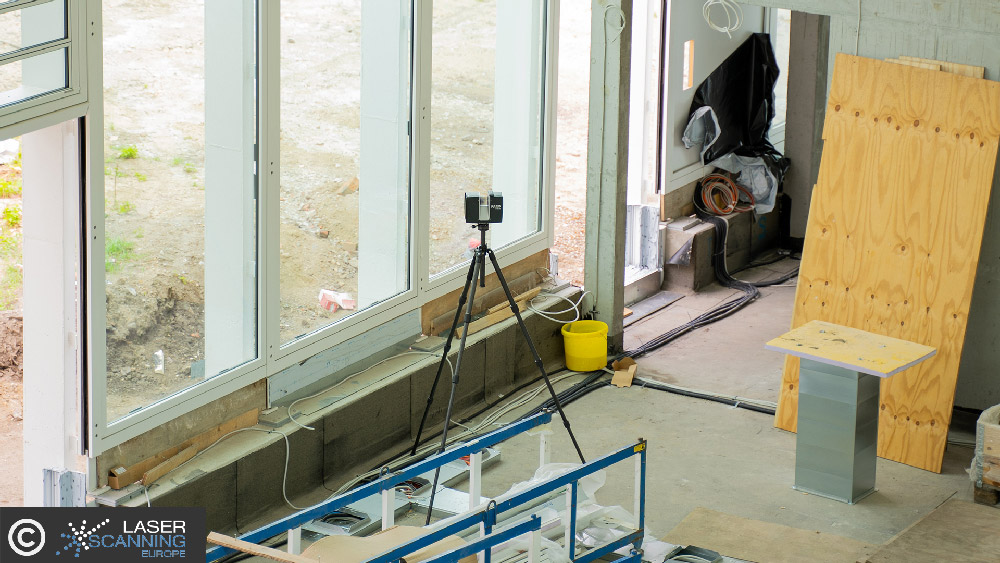
The entire building was documented using 3D laser scanning within half a day. A total of 30 individual scans were carried out, capturing all relevant rooms, walls, openings and structural elements.
This approach delivered a complete and detailed point cloud representing the actual condition of the building – an essential foundation when converting industrial structures into residential use.
From Point Cloud to CAD Plans: Efficient Evaluation with PointCab Origins
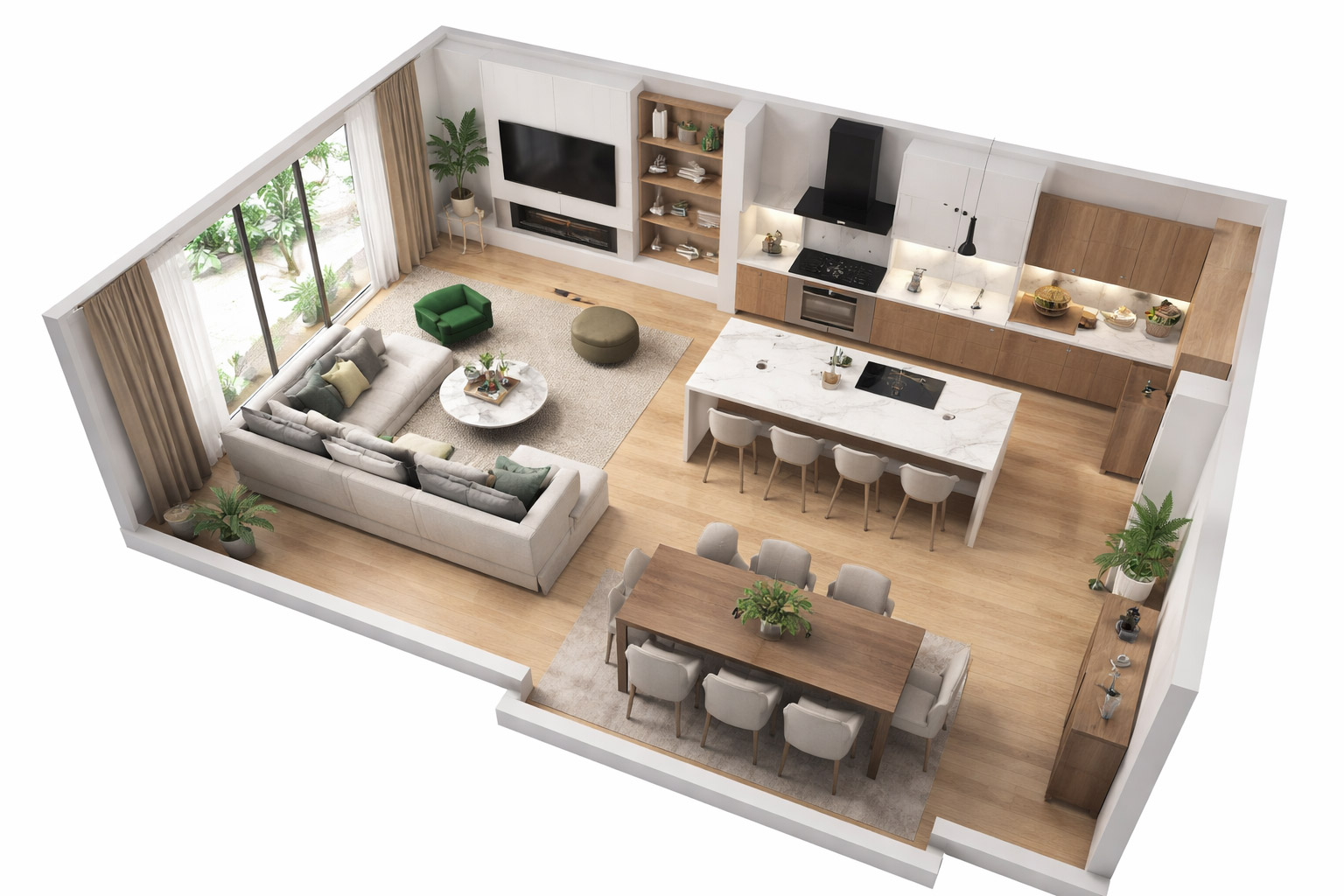
After data acquisition, the point cloud was evaluated using PointCab Origins. From the scan data, the required deliverables were derived efficiently:
- floor plans,
- cross sections,
- and scaled, CAD-ready drawings.
The generated data could be imported directly into the customer’s CAD system and used for further planning steps without additional re-measurement or manual reconstruction.
Planning Benefits and Project Outcomes
The complete evaluation process – from raw scan data to exportable plans took approximately two hours.
Based on the generated plans, the investment volume for the conversion could be assessed quickly and reliably. The resulting CAD data supported:
- preliminary and design planning,
- detailed execution planning,
- and visualizations for residential marketing and exposés.
This workflow provided a solid digital foundation for all subsequent project phases.
Want to keep up with the latest pointCab news?
Then follow us on Social Media or subcribe to our newsletter!
Acquisition of a limestone crushing plant
USER STORY
As-Built Documentation of a Limestone Crushing Plant Using 3D Laser Scanning
Project Overview: Accurate Data for Industrial Plant Expansion
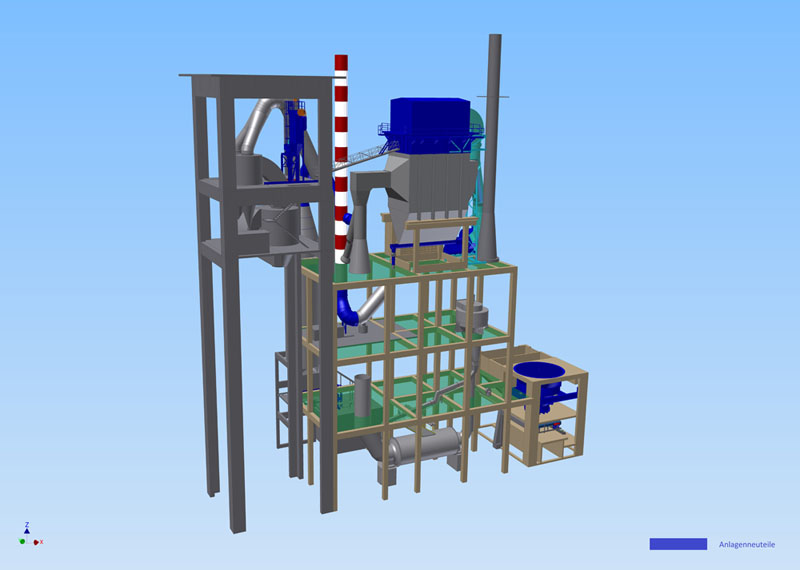
The As-Built Documentation of Industrial Facilities is an increasingly important application in surveying. In this project, the planning of a plant expansion was commissioned. Specifically, it involved a limestone crushing plant at a cement factory in the Middle East. ThyssenKrupp Fördertechnik GmbH used 3D laser scanning with PointCab Origins to capture the existing facility in detail. The goal was to compare the laser scan data with an existing 3D CAD model and create a reliable basis for planning the upcoming plant extension—something that would not have been feasible without precise as-built documentation.
3D Laser Scanning for Efficient and Non-Disruptive Data Capture
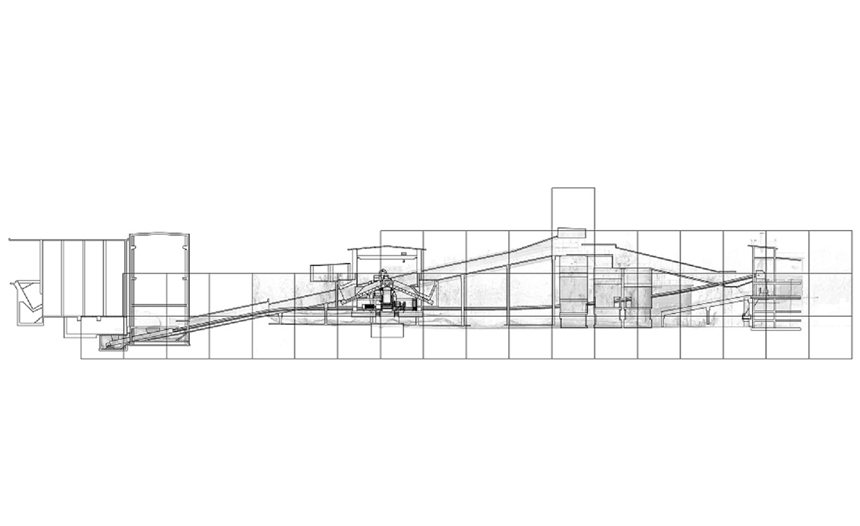
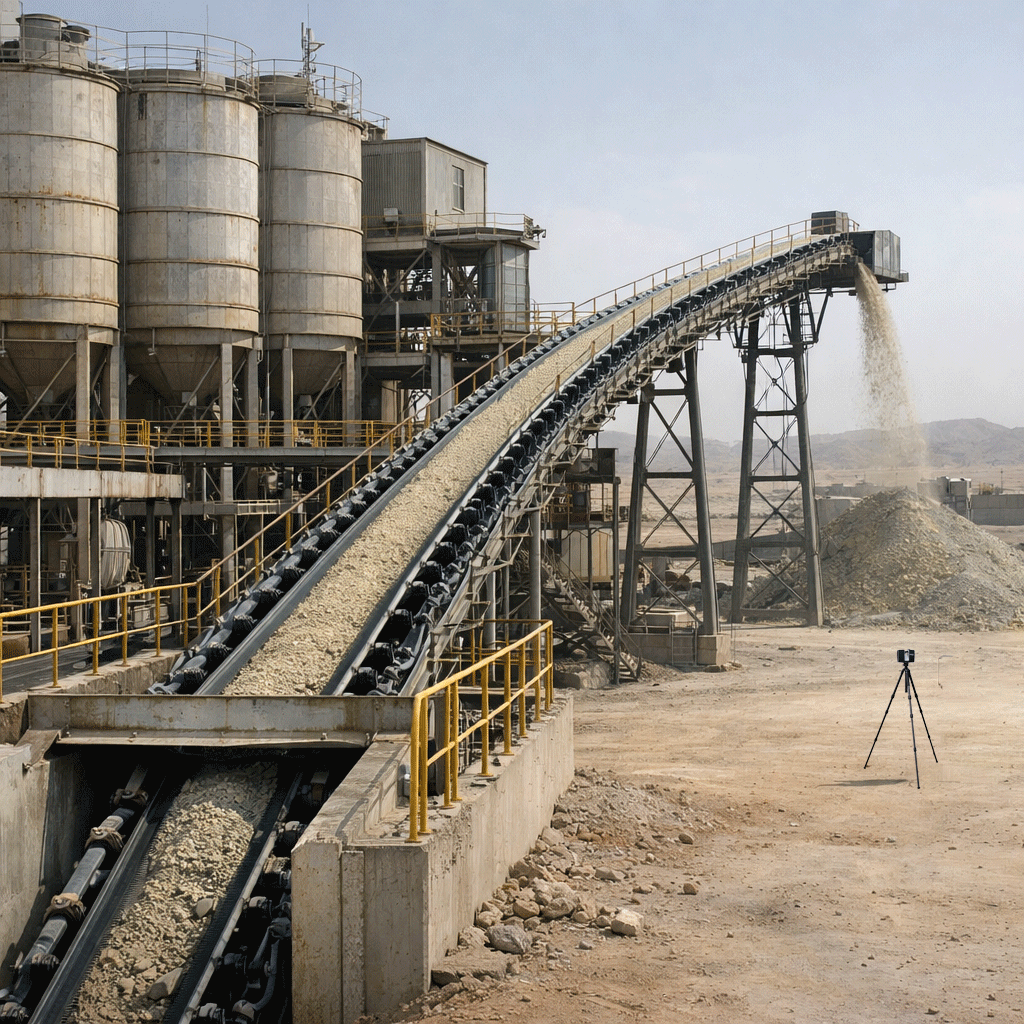
A FARO laser scanner was used to capture a conveyor belt system approximately 160 m in length, starting underground and ending at a discharge point about six metres above ground level. The conveyor passes through several silos and multiple height levels, making conventional measurement methods inefficient and time-consuming.
Using 3D laser scanning allowed the system to be documented with minimal disruption to ongoing operations:
- Data acquisition was carried out over three days.
- The conveyor belt needed to be stopped for only two hours in total.
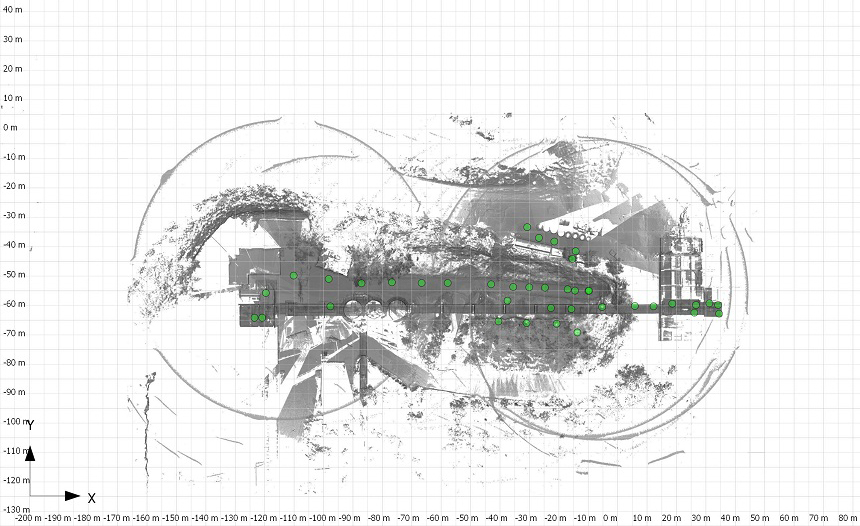
- 40 individual scans were captured and registered and evaluated directly on site using PointCab Origins.
This ensured complete coverage of the facility and eliminated the need for repeat site visits or additional shutdowns.
Processing the Point Cloud and AutoCAD
The sections and evaluations generated in PointCab Origins formed the basis for further planning and design.
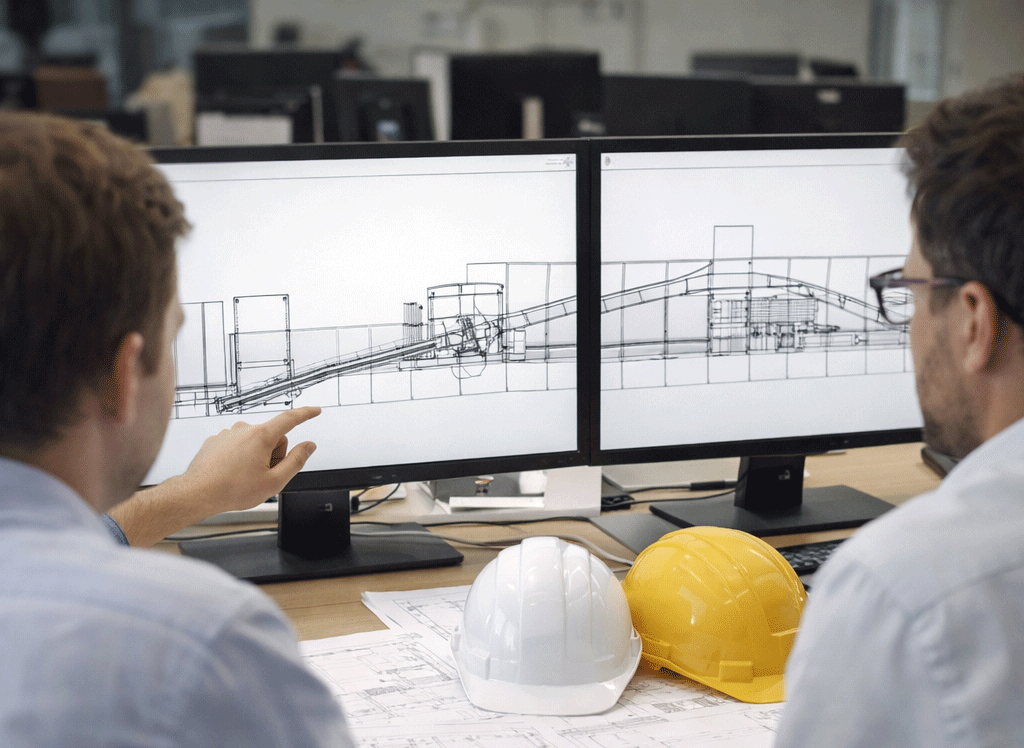
After on-site registration, the processed point cloud data was transferred into AutoCAD for continued CAD work. This enabled planners and engineers to work directly with accurate, real-world geometry and align the planned plant expansion with the existing structure.
Benefits of the Workflow As-Built Documentation of Industrial Facilities
This project highlights the advantages of combining 3D laser scanning with point cloud processing for industrial plants:
- Efficiency: Large and complex plant components can be captured quickly with minimal downtime.
- Data accuracy: The point cloud reflects the actual condition of the facility with high precision.
- Planning reliability: Accurate measurements help prevent clashes and design errors during plant expansion.
- Seamless CAD workflow: Results integrate smoothly into standard CAD environments such as AutoCAD.
For industrial facilities operating under tight production schedules, this approach provides a reliable and practical foundation for modification and expansion projects.
Want to keep up with the latest pointCab news?
Then follow us on Social Media or subcribe to our newsletter!
Facade elevation of a listed industrial building
USER STORY
Facade Elevation of a Listed Industrial Building: Precise 3D Survey for Renovation Planning
Requirements: Facade Documentation of Listed Building
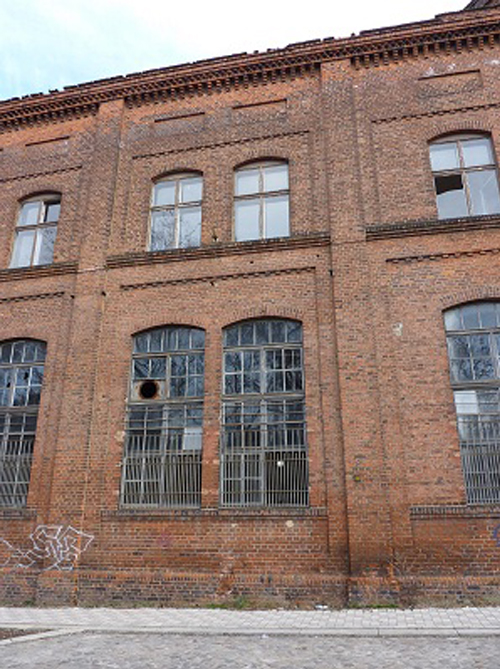
In Magdeburg, a historic industrial building subject to preservation orders was undergoing conversion into residential loft apartments. To comply with heritage requirements and support renovation planning, highly accurate, true-to-scale documentation of the building’s facades was essential. Traditional measurement approaches were not feasible due to the narrow working space and the structure’s height, so a 3D laser scanning survey was commissioned. The 3D laser scanning survey, as well as the processing and modeling of the point cloud data was carried out by Laserscanning Europe.
Challenges of Capturing a Listed Facade
The building’s complex geometry presented multiple challenges:
- The facades reach up to 17 m in height, making direct manual measurement risky and limited by space.
- The east facade features multiple offsets and sloping sections, requiring detailed mapping to capture elements such as window surrounds and wall protrusions.
- As a listed structure, all renovations must align with heritage preservation requirements, which demand accurate documentation of existing conditions before design can proceed.
These conditions made non-contact 3D laser scanning the only practical method to achieve comprehensive and precise data.
Survey Execution: 25 Scan Positions and Efficient Data Capture
The team performed a total of 25 laser scanner setups across the three principal facades, covering a facade area of 1,720 m². Only one surveyor was needed on site, and the total scanning time was approximately 5 hours.
The result was a dense and complete point cloud representing all facade details – including irregularities and features that are critical for both preservation and renovation planning.
From Point Cloud to Digital Plans Using PointCab Origins and Geograf
Once the laser scanning was completed, the raw point cloud data was processed with PointCab Origins:
- True-to-scale orthophotos were generated automatically.
- The orthophotos and extracted measurements were imported into the CAD system Geograf within one hour.
- Detailed 2D plans, including facade drawings and crack documentation, were created at a 1:50 scale.
This workflow enabled architects and engineers to immediately begin modeling and detailed planning for renovation and conversion. The CAD deliverables supported both the artistic design and the technical compliance needed for a listed building.
Why Detailed Facade Documentation Matters for Preservation Projects
For any structure under heritage protection, understanding the existing condition – especially at high resolution – is vital:
- Preservation orders require that original characteristics be respected in renovation.
- Irregularities (cracks, offsets, sloping segments) must be precisely recorded before any intervention.
- A digital record supports historical documentation and prevents speculative or inaccurate reconstruction.
By using 3D laser scanning and rapid orthophoto generation, the project team not only met the strict accuracy requirements but also sped up the planning process, saving time and reducing risk during subsequent project phases.
Want to keep up with the latest pointCab news?
Then follow us on Social Media or subcribe to our newsletter!
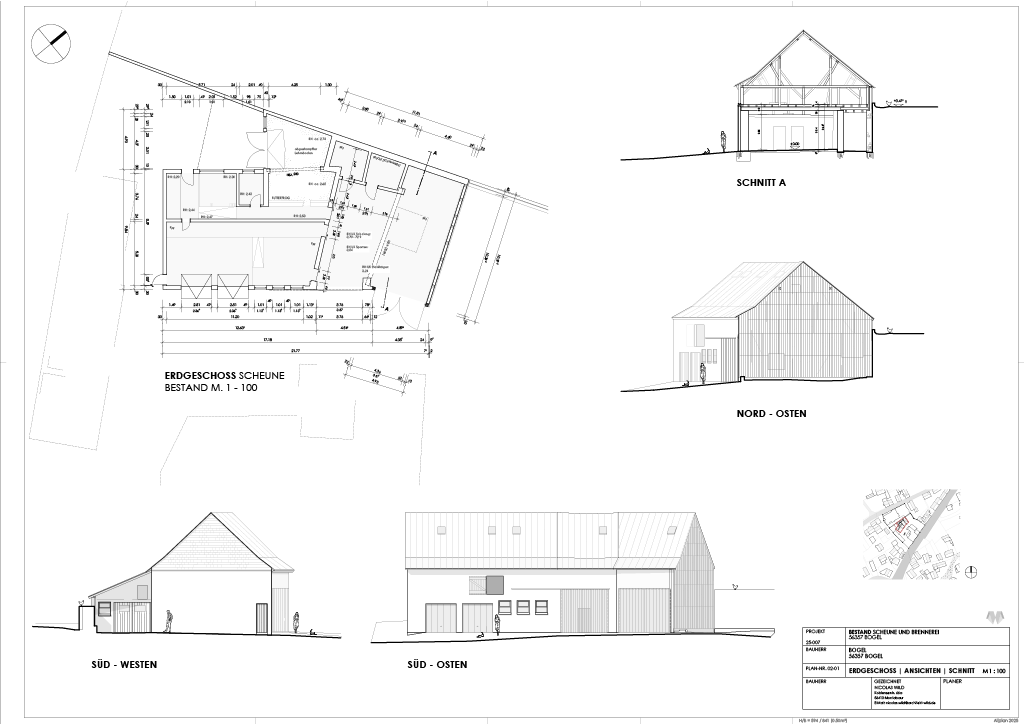
Renovation of an old farmhouse
USER STORY
As-Built Documentation for Renovation Projects – 3D Laser Scanning of an Old Farmhouse
Project Overview: Precise Survey for Full Renovation Planning
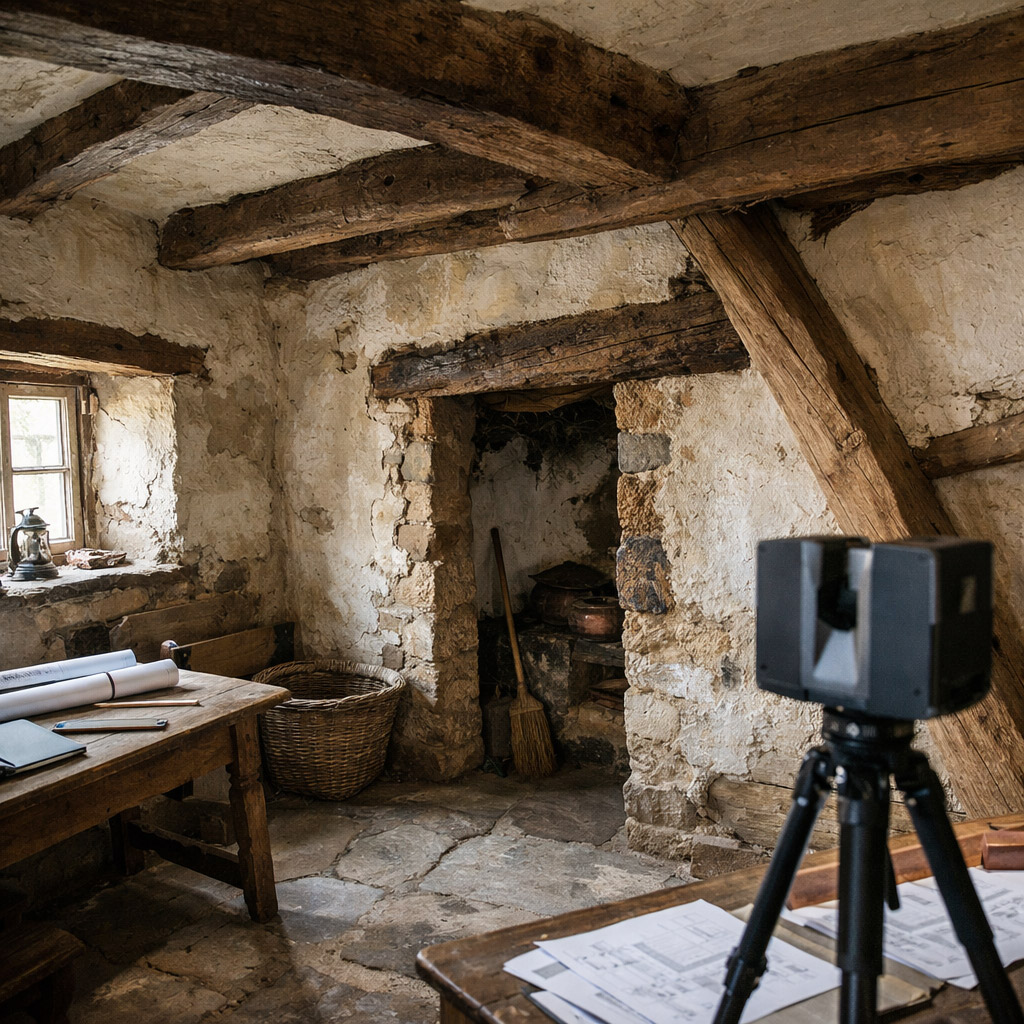
In Wattenwil near Bern (Switzerland), a historic farmhouse that had fallen out of regular use due to high maintenance costs was scheduled for full renovation and reuse as a residential building. For this project, precise as-built documentation for renovation projects was required to support planning, design decisions and cost estimation.
Since no reliable plans existed, the architectural office AAP Atelier für Architektur und Planung AG was commissioned to carry out the 3D laser scanning survey and evaluation.
Why 3D Laser Scanning Was the Optimal Survey Method
Old farmhouses often have irregular geometry owing to historical construction techniques and settling over time. Traditional measurement methods can struggle to capture such complexity efficiently, and missing or inconsistent documentation increases planning risk. In this project, 3D laser scanning provided a precise and complete dataset suitable for detailed planning in CAD.
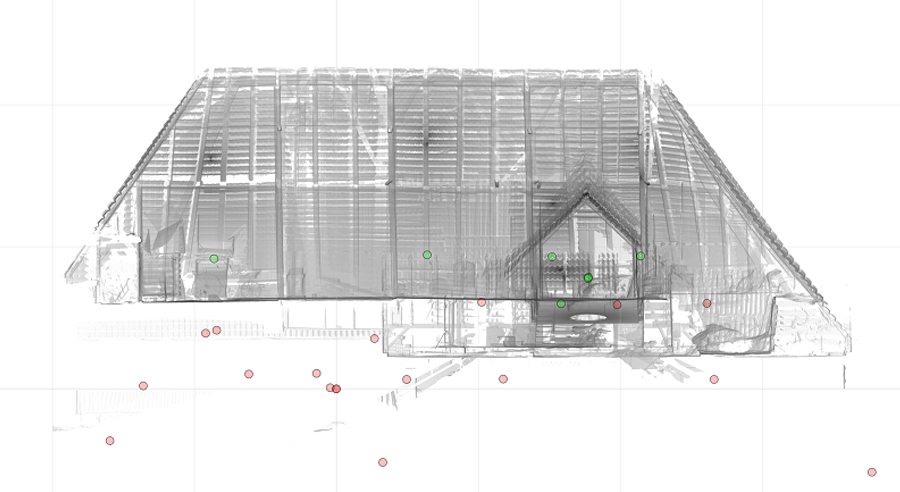
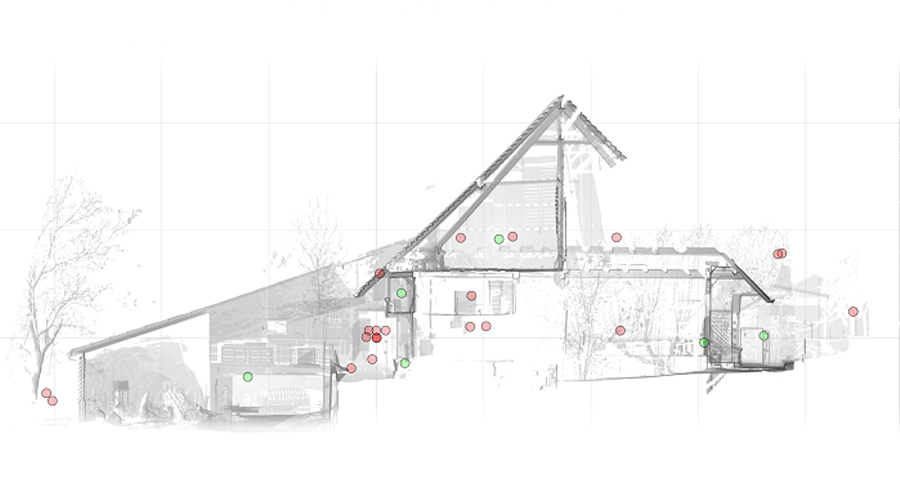
For this reason, a FARO Photon 120/20 laser scanner was used. Over two full days of on-site work, the team captured around 30 individual scans covering all important surfaces, including:
- facades,
- internal floor plans,
- load-bearing structure,
- and architectural details necessary for renovation planning.
The point cloud data was registered using reference targets to ensure spatial accuracy and full coverage of the building geometry.
From Point Cloud to Planning Deliverables Using PointCab Origins and ArchiCAD
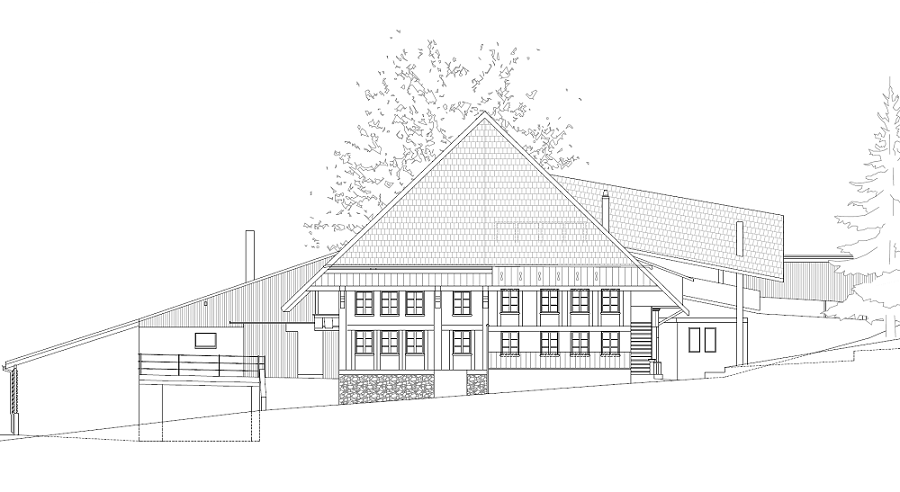
Once the raw scan data was collected, the exported point cloud was processed with PointCab Origins, enabling fast extraction of key deliverables:
- accurate floor plans,
- sections, and
- facade drawings.
Thanks to PointCab Origins’ workflow, these outputs were quickly read into the customer’s CAD system, Graphisoft ArchiCAD, where they served as the basis for further planning and material estimation. The clarity and accuracy of the extracted plans helped determine rehabilitation needs, material quantities, and cost implications early in the project.
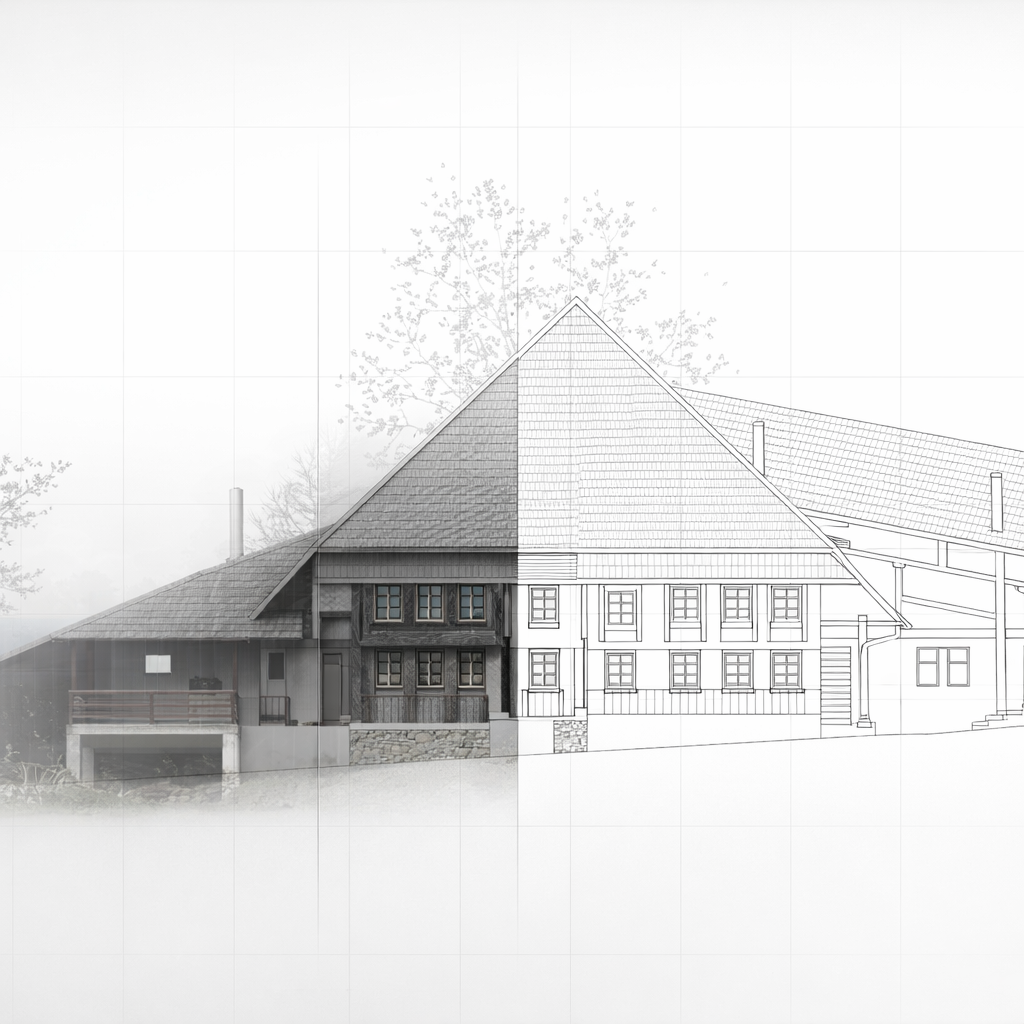
The combination of scan capture and software evaluation significantly reduced manual drawing work and enabled planners to focus on design and implementation rather than re-measurements.
Why As-Built Documentation Is Essential for Renovation Projects
This farmhouse case demonstrates several clear advantages of using 3D laser scanning and point cloud processing for renovation:
- Precise real-world geometry: captures every irregularity and construction detail that would otherwise be missed on paper plans.
- Efficient workflow: rapid on-site scanning and fast post-processing deliver usable CAD data in a short timeframe.
- Planning confidence: reliable digital data reduces risk when estimating effort and materials for big renovation decisions.
- Seamless integration: outputs easily transfer to common CAD systems for further design and documentation.
For renovation projects of older buildings, especially those without current documentation, this approach is a strong foundation for both the design process and accurate cost planning.
Want to keep up with the latest pointCab news?
Then follow us on Social Media or subcribe to our newsletter!
Acquisition of factory halls
USER STORY
Acquisition of Factory Halls:
3D Laser Scanning for Complete Documentation
As part of a major industrial documentation project, the Interdisciplinary Competence Center for Old Buildings (InKA) of the University of Siegen carried out a full 3D laser scanning of factory halls covering approximately 10,000 m². The goal was to create reliable documentation for subsequent CAD modeling and planning in Graphisoft ArchiCAD.
Why Detailed Factory Acquisition Matters
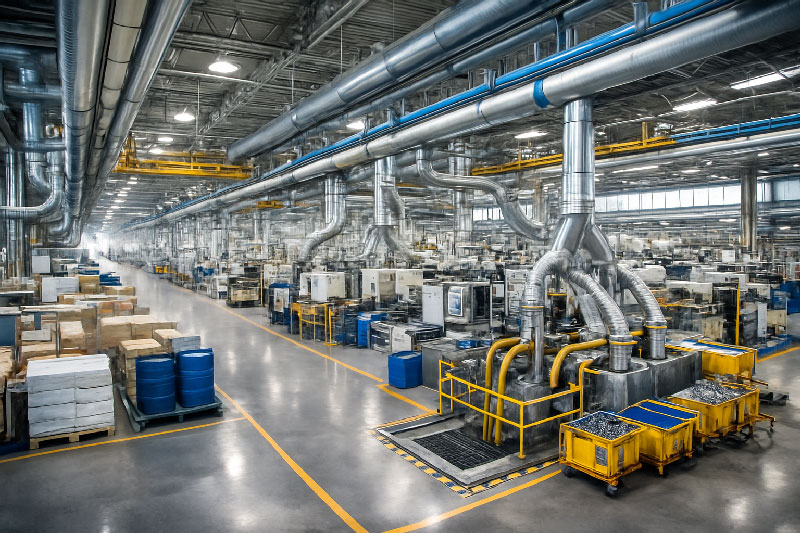
Large factory halls and industrial plants contain extensive structural geometry as well as supply and disposal lines, machinery, and installations. Without precise as-built data, even well-intended renovation, retrofitting, or layout planning can suffer from:
- geometry mismatches between the physical structure and the existing drawings
- misaligned equipment due to outdated plans
- planning delays due to manual re-measuring on-site
A modern 3D laser scan provides an accurate, coherent representation of the facility that eliminates guesswork and supports efficient engineering and design.
How the Factory Halls Were Surveyed: FARO Photon 80 and Point Cloud Capture
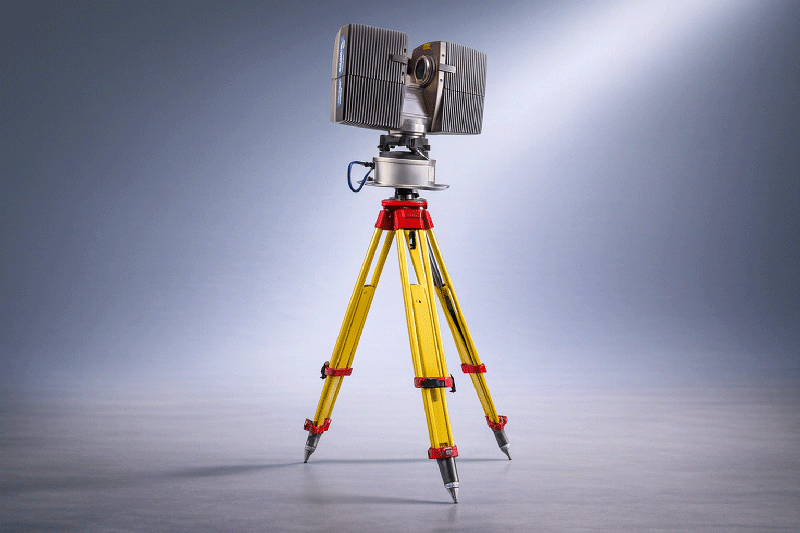
The survey covered approximately 10,000 m², using a FARO Photon 80 laser scanner.
- Total scans: 80
- Total data volume: approx. 70 GB
- Geometry captured: complete interior of the factory halls and all supply/disposal lines
This dense set of scans ensured full coverage and detailed capture of the existing infrastructure — even in areas with complex pipework or machinery.
Point Cloud Registration in FARO Scene
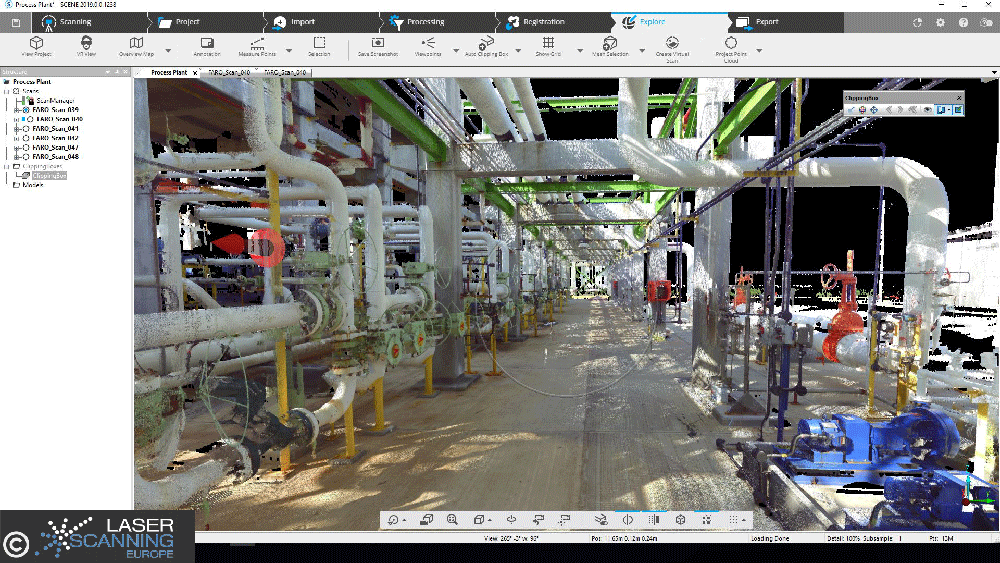
All individual scans were registered and merged using FARO Scene to produce a unified point cloud. This step ensures:
- correct alignment across all scans
- a single 3D dataset covering the entire facility
- consistent coordinate referencing for export and further processing
A unified point cloud is the foundation for accurate plan extraction, CAD modeling and coordination between engineering teams.
Deriving Accurate Plans and Sections from the Point Cloud
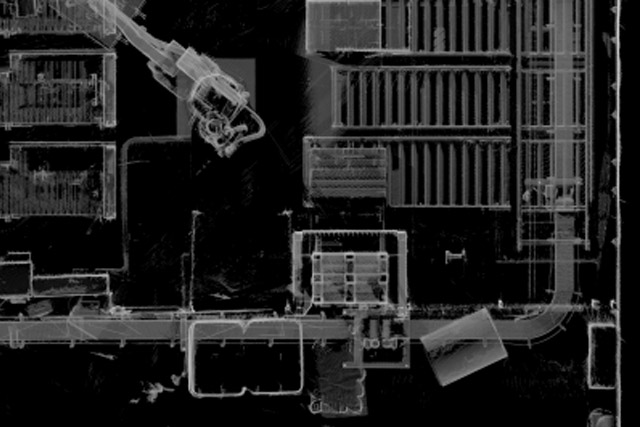
Once registered, the point cloud was evaluated in PointCab Origins. The software enabled rapid extraction of 2D plans and sections at any desired position through the point cloud. These derived outputs consisted of:
- orthographic images scaled to real dimensions
- tiling across multiple files to adapt the export size for different CAD systems
- export formats readable by all major CAD/BIM platforms
PointCab Origins reduced the raw data to manageable file sizes without sacrificing accuracy, which made it possible to transfer directly into Graphisoft ArchiCAD for further modeling.
Why 3D Acquisition Is Valuable for Industrial Facilities
This case highlights the core strengths of laser scanning in industrial environments:
- Complete coverage: Includes structural elements, machinery, and services in a single dataset.
- High accuracy: Up to 2 mm per pixel in scaled outputs allows precise modeling.
- Flexible export: Tiling and export options make datasets usable in virtually all CAD systems.
- Faster workflows: Engineers and planners can start modeling directly from evaluated scans, saving time and reducing rework.
For production halls, large plants, or technical facilities, 3D laser scanning is now considered a standard method for creating trustworthy as-built documentation that supports engineering, renovation, and expansion projects.
Want to keep up with the latest pointCab news?
Then follow us on Social Media or subcribe to our newsletter!
Conversion of production facilities
USER STORY
Conversion of Production Facilities: Safe Retrofit, Installation and As-built Documentation with Laser Scanning
Contents
From Physical Reality to Actionable Insights: Capturing the Existing State
The Challenge: Adapting Production Infrastructure Within an Existing Concrete Shell
How the Survey Was Performed: FARO Laser Scanner + Point Cloud Registration in FARO Scene
Processing the Point Cloud: From Scan to CAD-ready Data
Why 3D Scanning Is Essential for Industrial Retrofit Projects
From Physical Reality to Actionable Insights: Capturing the Existing State
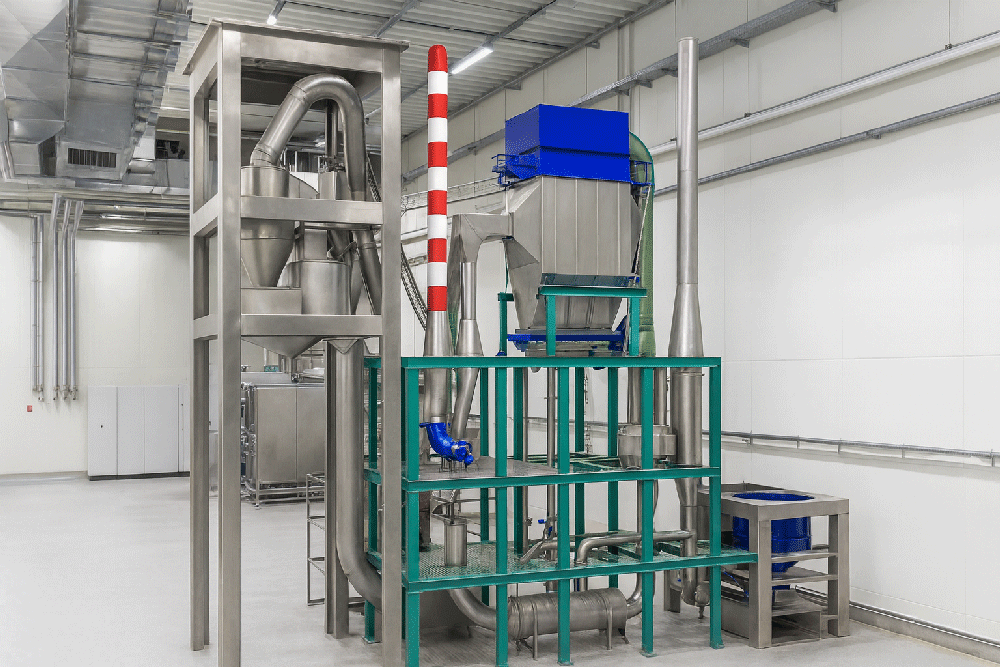
In a major project by Intercem Engineering GmbH, a leading supplier of turnkey solutions for cement plants, 3D laser scanning technology was deployed to support the conversion and upgrade of existing production infrastructure. The project involved the retrofit of an existing filter system on a concrete building and the installation of a new cyclone with a filter system within the concrete framework of a heat exchanger.
Because precise as-built documentation was essential to plan prefabrication and avoid costly rework, the team chose to use 3D laser scanning. The method proved to be fast, efficient and safe — even in hard-to-access areas, providing a robust digital foundation for retrofit planning.
The Challenge: Adapting Production Infrastructure Within an Existing Concrete Shell
Retrofitting a filter system and installing a new cyclone in an existing concrete structure poses multiple challenges:
- Exact compatibility required between new equipment and existing geometry – tolerances had to be respected to avoid alignment issues.
- Some areas of the building were difficult to access, making manual measurement hazardous or unreliable.
- Any misfit would lead to costly rework, shutdowns or delays in installation.
In this context, traditional measurement methods bear high risk. 3D laser scanning offered a precise, comprehensive and reliable alternative.
How the Survey Was Performed: FARO Laser Scanner + Point Cloud Registration in FARO Scene
For this project, a laser scanner by FARO was used. For the retrofit of the filter system, 7 scans were made; for the heat exchanger area, 10 additional scans covered the relevant geometry.
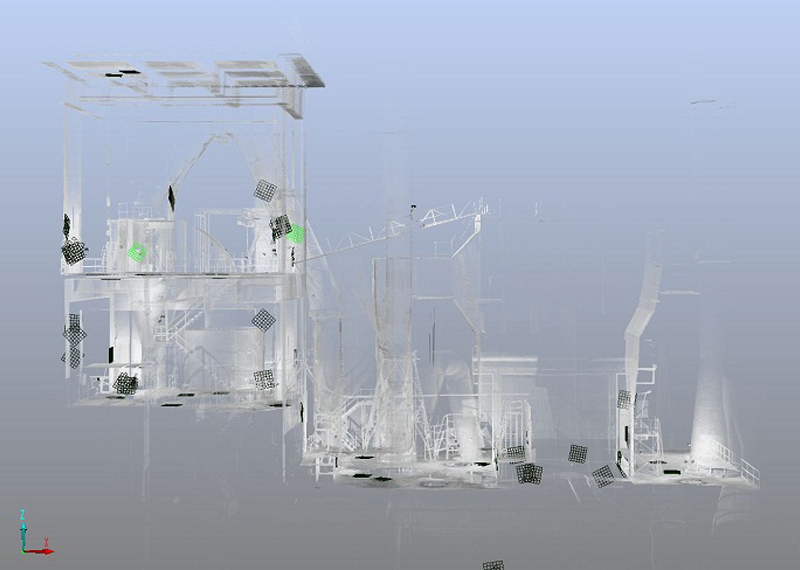
After data capture, all scans were registered and merged in FARO Scene, producing a unified point cloud of the building’s interior geometry. This ensured high accuracy and comprehensive coverage – even in difficult-to-reach zones.
Processing the Point Cloud: From Scan to CAD-ready Data
Once the point cloud data was ready, PointCab Origins was used to define floor plans and sections from the scan data easily and quickly. Then, the resulting CAD-ready data was imported into the mechanical CAD software Autodesk Inventor, where final modeling took place.
This Scan-to-CAD workflow provided:
- Accurate floor plans and sectional data based on real-world conditions
- A reliable basis for the prefabrication of new components (filter system, cyclone)
- Minimized risk of misalignment, rework or installation errors
Why 3D Scanning Is Essential for Industrial Retrofit Projects
This case highlights several key strengths of 3D laser scanning in industrial environments – especially when modifying existing facilities:
- Precision: Point clouds capture true as-built geometry, including irregularities or deformations in old concrete structures.
- Coverage: Even hard-to-access areas are recorded — no need for manual measuring in confined or hazardous zones.
- Planning reliability: CAD/CAD-BIM models generated from scan data allow for prefabrication and exact fit of new installations.
- Time and cost savings: Avoiding on-site rework, installation delays or retrofit errors reduces overall project risk and expense.
In short: for industrial retrofit and conversion projects, 3D laser scanning is often not just useful — it is indispensable.
Want to keep up with the latest pointCab news?
Then follow us on Social Media or subcribe to our newsletter!